

Get more done, faster
Planning a trip or researching a big purchase? Copilot compares, summarises, and handles the tasks you don’t want to do — all in one place.
Browse smarter with Copilot
Create, organise, and get more done with AI-powered help in Edge
Try these prompts
Get more done, faster
Planning a trip or researching a big purchase? Copilot compares, summarises, and handles the tasks you don’t want to do — all in one place.

AI that works alongside you
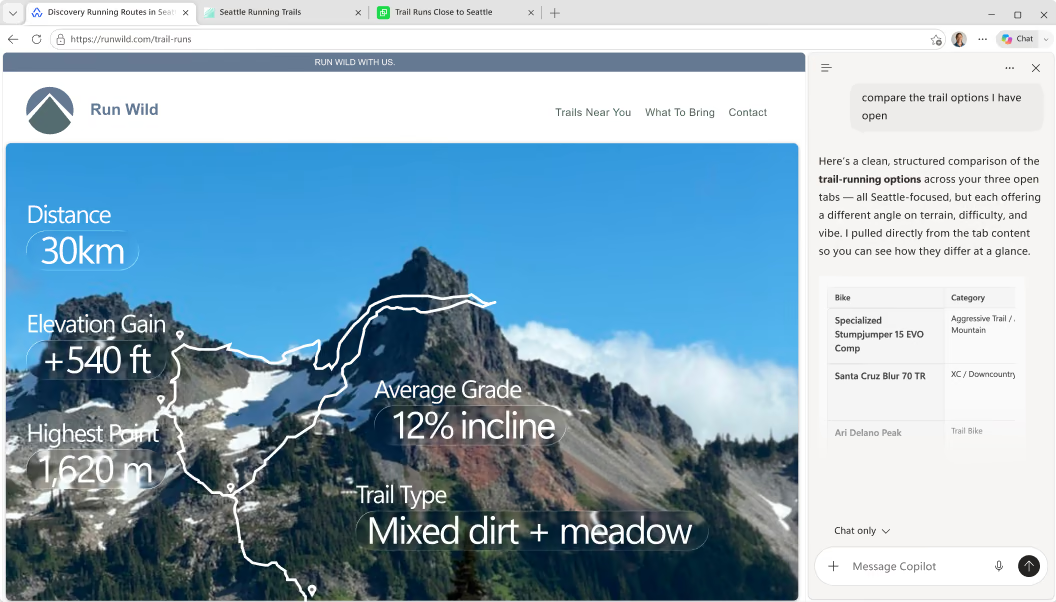
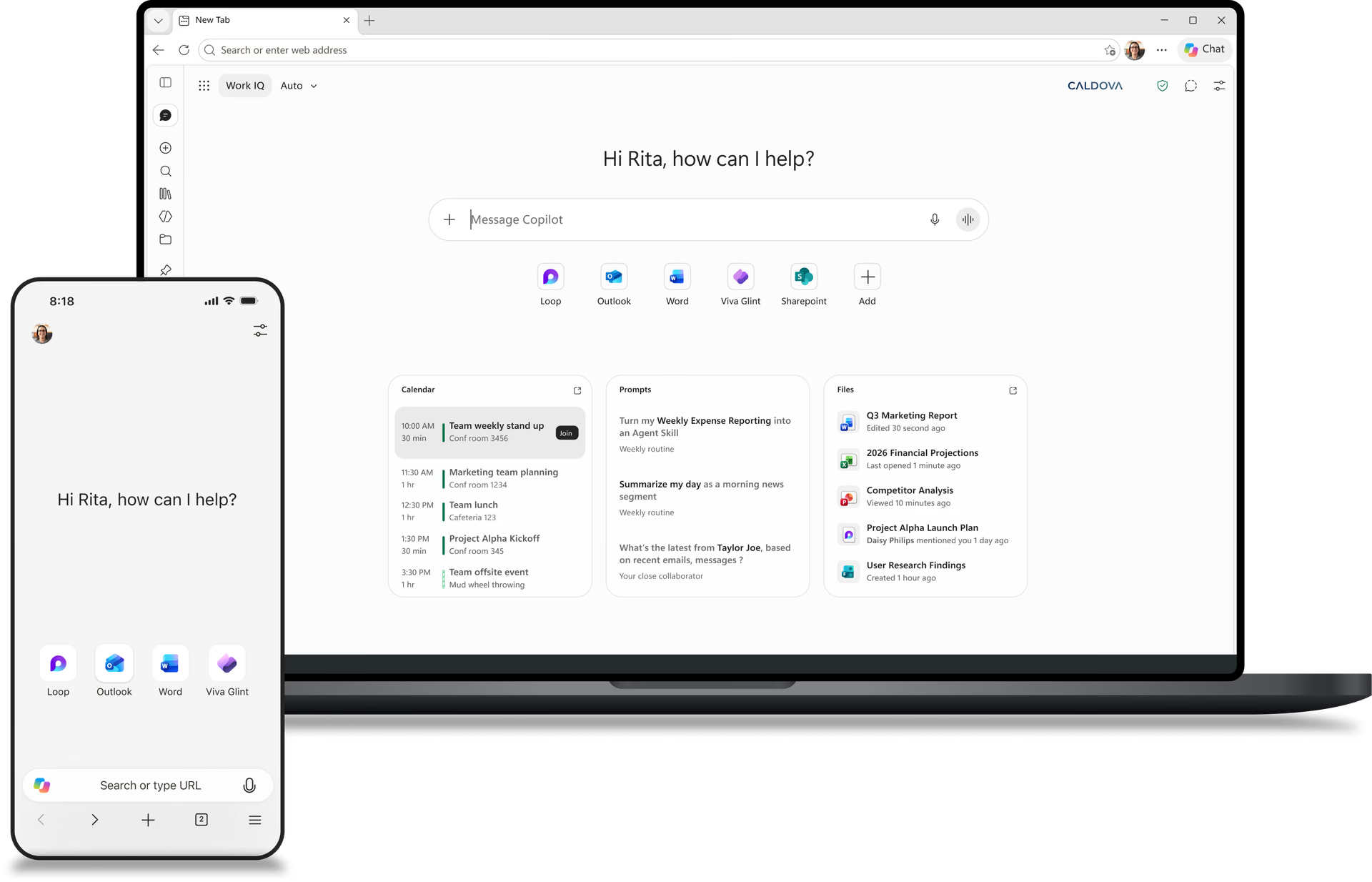
Copilot works in your browser, using your tabs to compare options, highlight key details, and provide clear answers — no switching between tools.

Improves the more you use it
Copilot remembers what you’ve worked on, so you don’t have to start over. The more you use it, the more helpful and personalised it becomes.
Get started with Copilot
Two ways to get started. Choose what suits your flow.
No more tab-hopping. Copilot is built into Edge — click icon in the top right of your window to summarise, compare, or get answers without leaving the page.
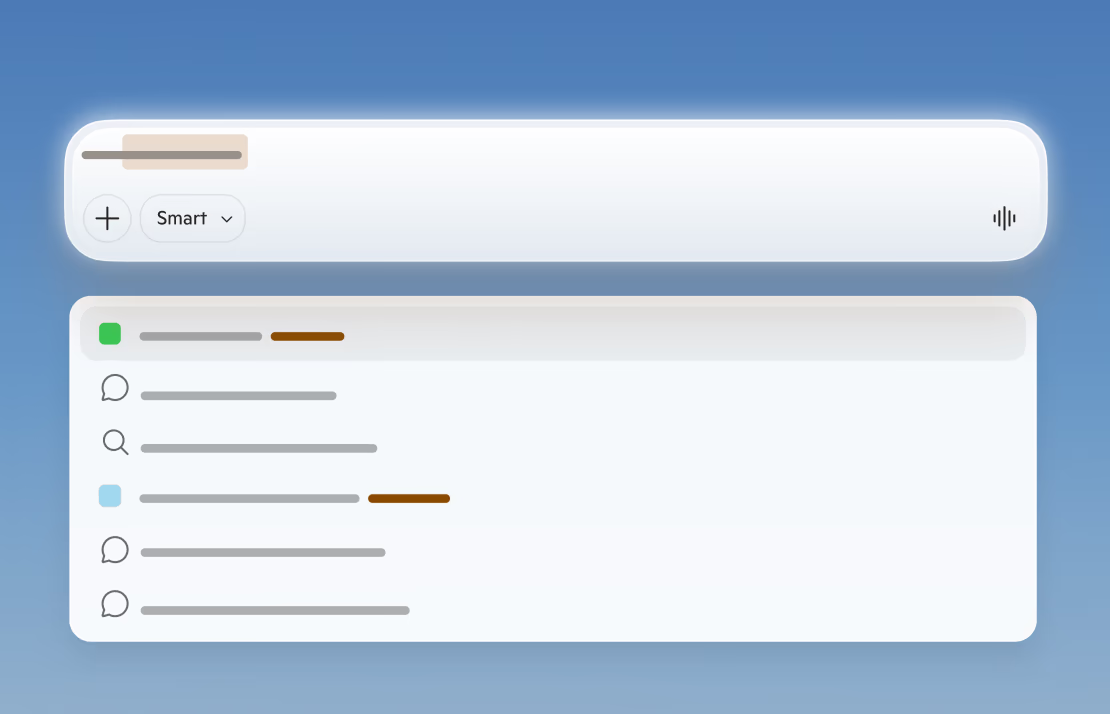
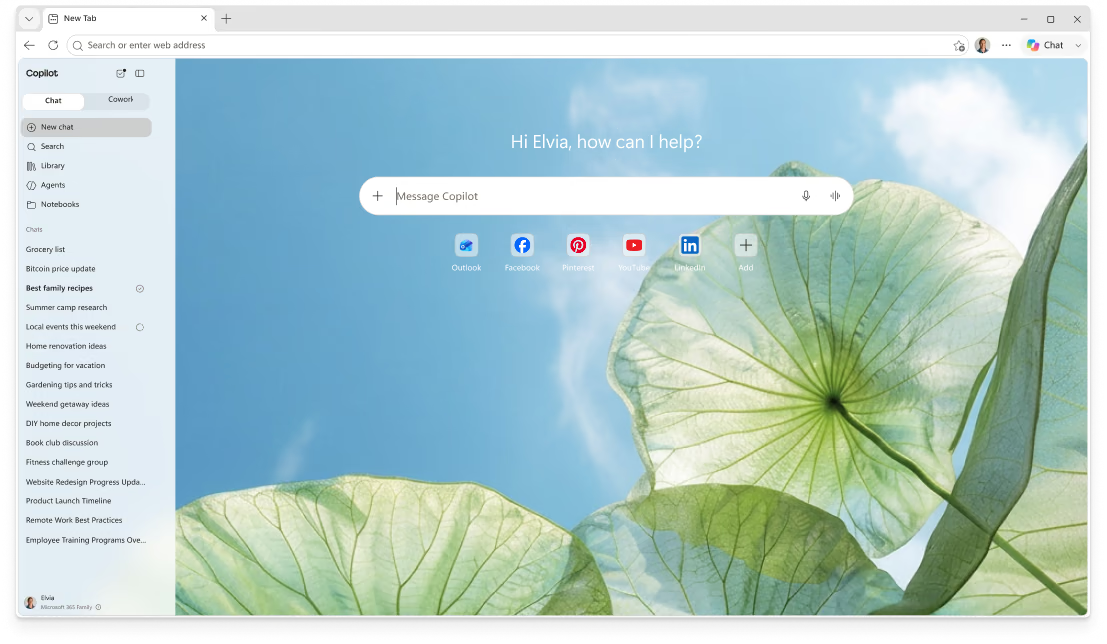
Open a Copilot new tab and type anything — a question, a search, or a website. Copilot routes you instantly to the right place, so you can start faster.
Copilot organises your browsing into journeys — related pages, searches, and chats. Revisit what matters, explore further, and jump back in with one click.
Turn on Journeys to organise your browsing, then find them anytime on your new tab page.
Experience the full power of Copilot
Discover how Copilot helps you browse smarter and do more with Microsoft Edge.
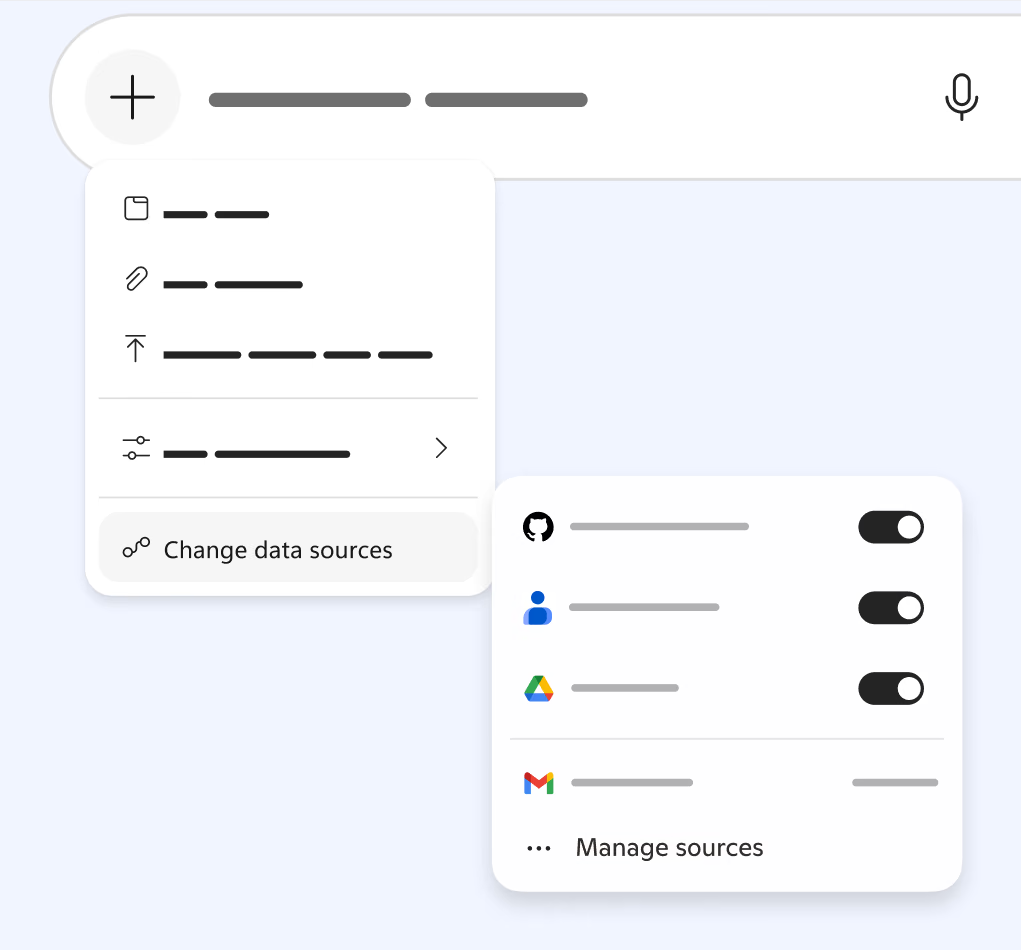
Stop switching apps to find things
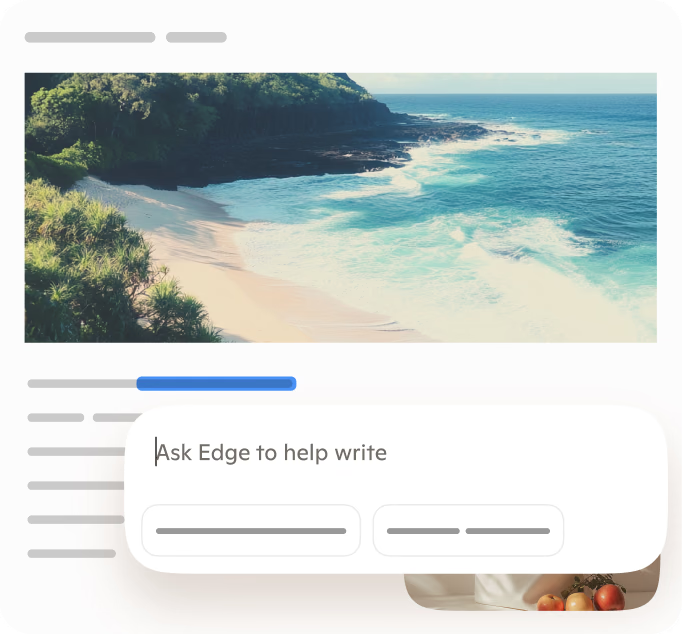
Writing assistance
Turn ideas into clear drafts
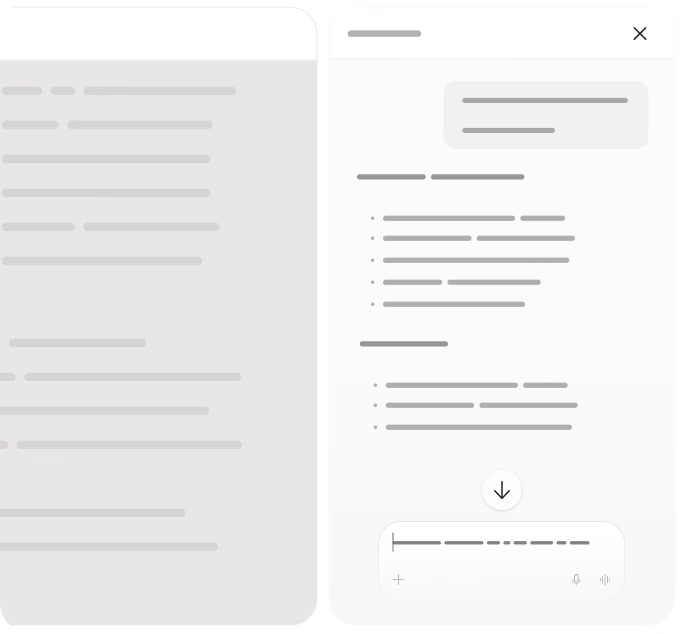
See what matters across pages
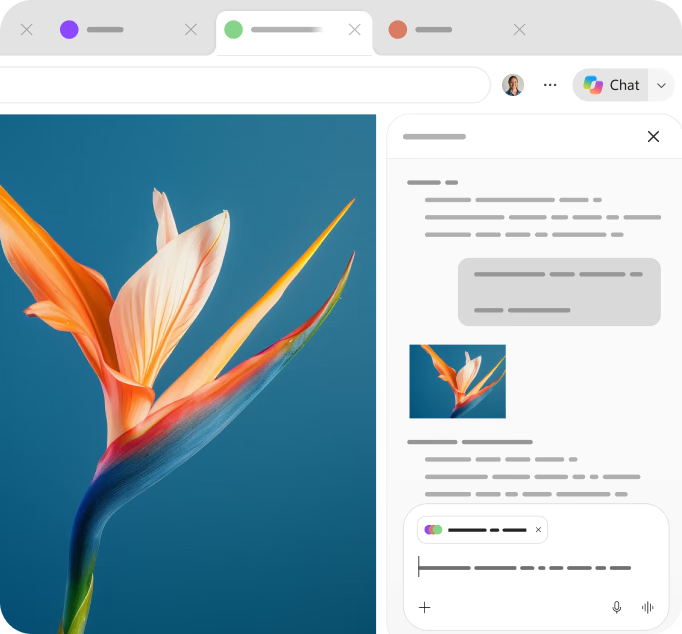
Summarise any page
Get the gist instantly
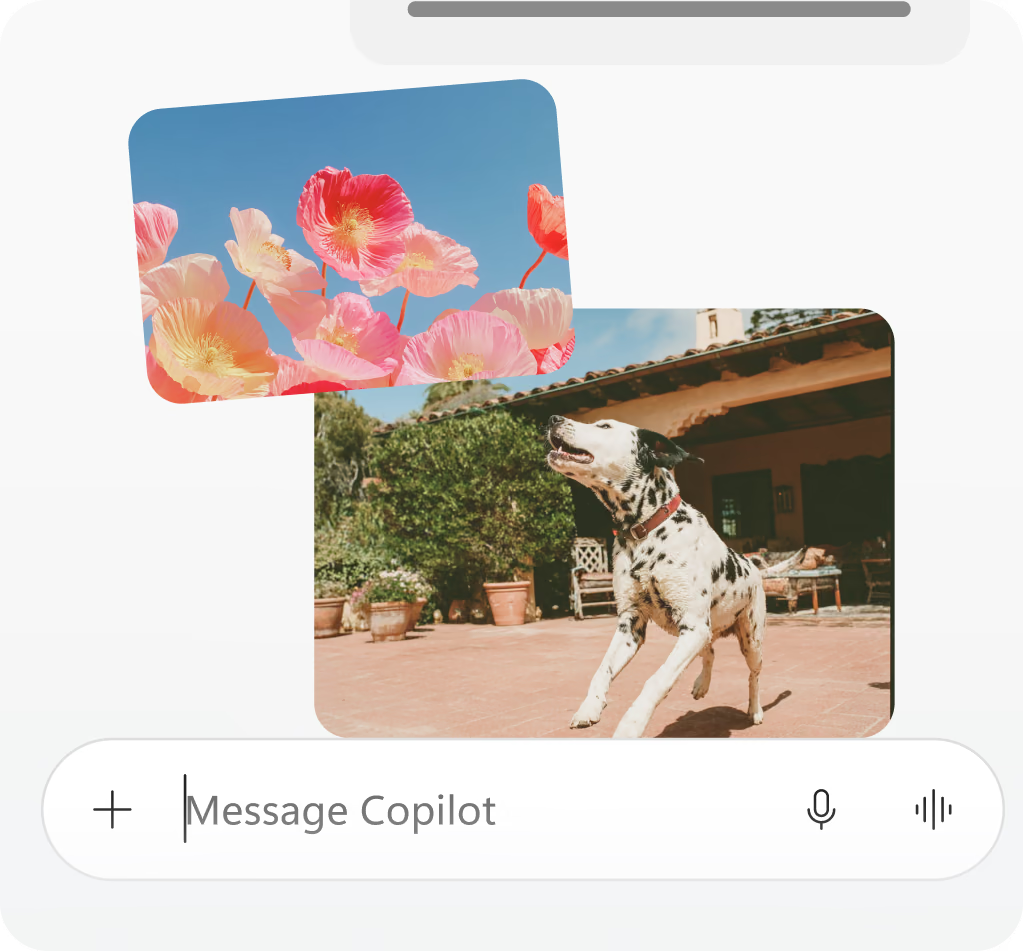
Turn ideas into images
Get more from Copilot and Microsoft 365
Unlock premium AI experiences, trusted Microsoft apps, cloud storage, and security tools that help you create, organise, and stay productive every day.

Go further with AI
Get higher limits and premium AI experiences to help you research, write, create, and work through tasks more efficiently.
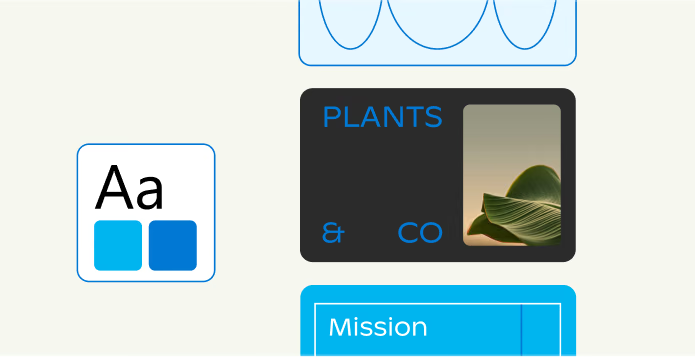
Create with confidence
Create documents, presentations, spreadsheets, and more using familiar Microsoft tools designed to help you do your best work.
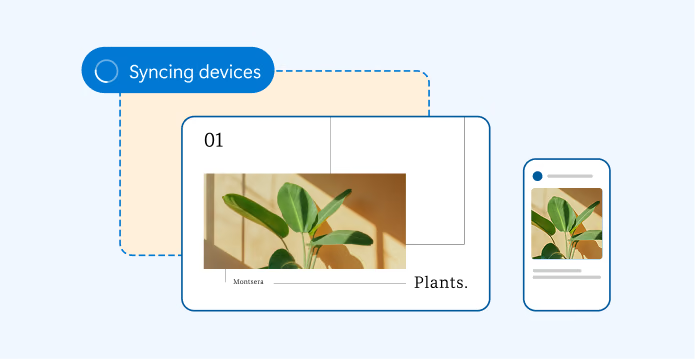
Access your content anywhere
Keep photos, files, and important information accessible across devices with cloud storage and Microsoft services.
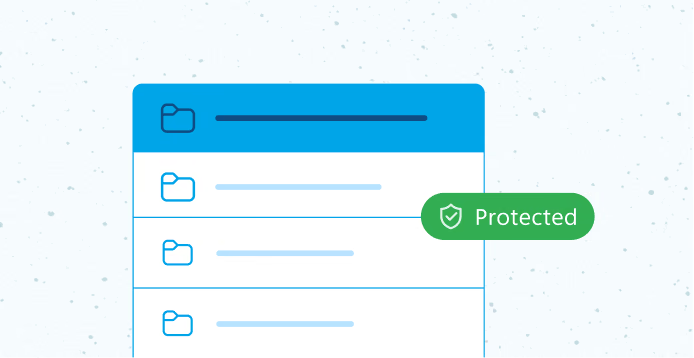
Protect what matters most
Help keep your files, photos, personal information, and devices safer with built-in Microsoft security benefits.
Copilot in Edge, wherever you go
Turn ideas into action, cut through tab clutter and move forward faster right in Edge on your phone.
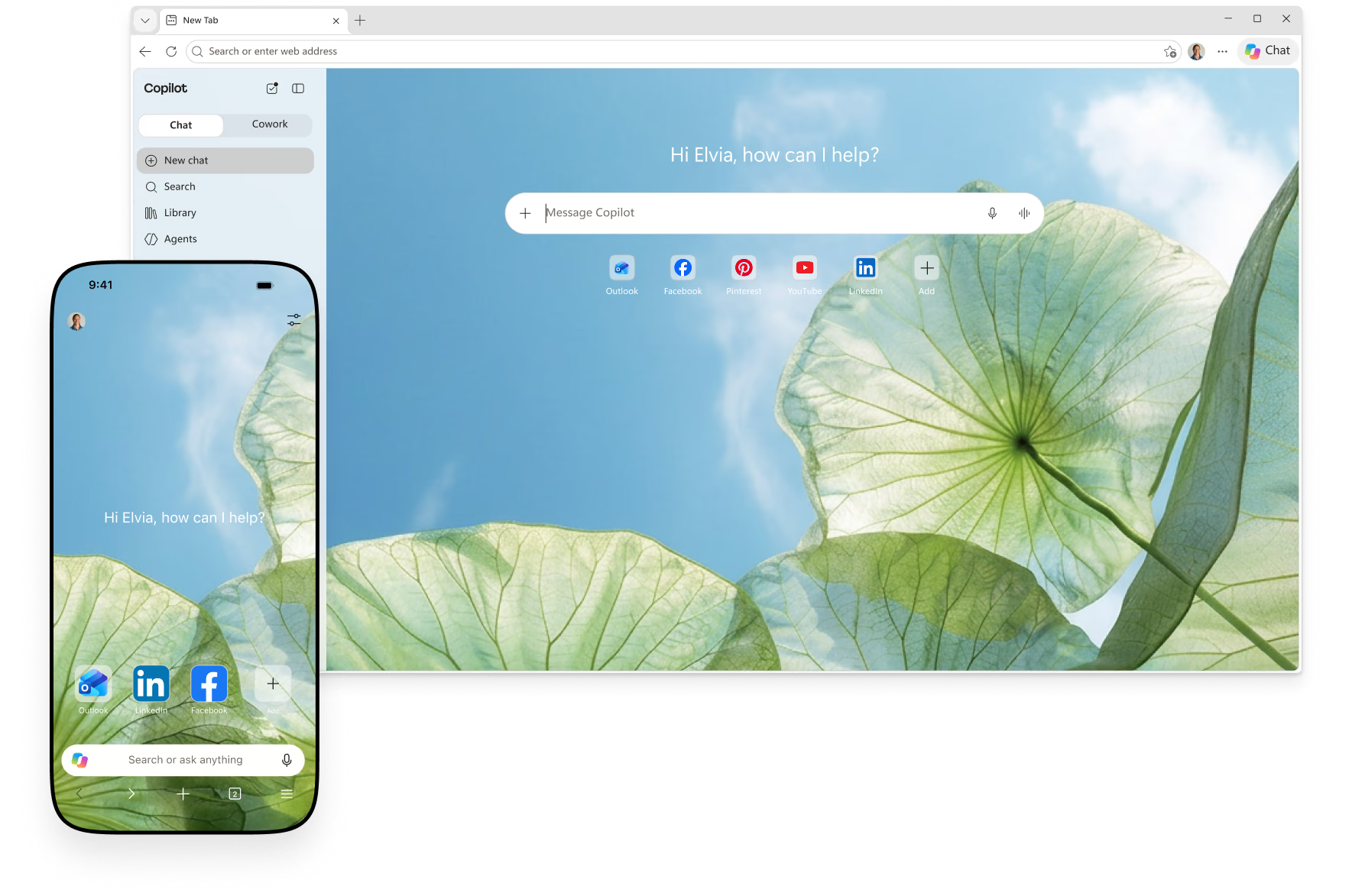
Your web, your control
Copilot in Edge works with you, on your terms. It helps when you ask, so you stay in control.

Control your experience
Choose which features to use, and switch them on or off whenever you want. You’re always in control of your experience.

Manage with ease
Update permissions, clear history, and adjust settings in just a few steps. Control how Copilot works, all in one place.

Privacy on your terms
Optional features such as context clues, video highlights, and memory are always your choice. Your data remains private and adheres to Microsoft’s trusted standards.
Learn more about what's changing with Copilot
We’re updating Copilot to create a simpler, more cohesive experience for everyone. Depending on the account and device you use, you will see changes to the Copilot app including changes to appearance and functionality, such as navigation, feature availability, or sign-in experience. You will be able to sign in to the updated Copilot app with a personal account, a work or school account, or both. Work and personal accounts remain separate. Your organisation’s security, privacy, compliance, and administrative controls continue to apply when you use Copilot with your work or school account.
With a fresh new look, the new app brings together the best of Copilot chat and image creation, along with the power of Microsoft 365 for your work. Access Word, Excel, Outlook, and other Microsoft 365 apps, files, and content directly from the app, so you can move seamlessly from chat to your favourite Microsoft apps. Sign in using your work, school, or personal account and connect to email, calendar, and cloud storage to give Copilot the context it needs to keep you moving forward at work or at home.
Microsoft 365 subscribers can achieve more with Copilot, thanks to advanced AI, leading models, and higher usage limits than free users.
When you reach a limit, you can choose to upgrade to a paid option or return later. Copilot users in Edge or using the Copilot Windows app may benefit from a higher free usage allowance.
For higher limits to chat and create, use agents, or tackle complex multi-step tasks, purchase a Microsoft 365 subscription.
How does it affect me?
If you use Copilot on a desktop or web browser with a personal account (e.g. signed up using personal Microsoft, Google or Apple email), you will be moved to an updated version of Copilot. Your chat history and content will move with you. You will be guided through the process.
If you use the Copilot mobile app, you will need to download a new version of Copilot to continue using the app.
If you use the Microsoft 365 Copilot app today with a personal Microsoft account, you may notice some updates to appearance and navigation. If you were using the Microsoft 365 Copilot app without a Microsoft 365 subscription, you’ll now have access to Copilot chat, at no extra cost. You won’t have to make any changes to your account.
For Windows users, the Microsoft 365 Copilot app icon on your taskbar may be updated. For mobile users, there will be an update to the app that may be auto-installed, or you may need to manually request an update. The icon will update for mobile users as well.
Your chat history and content you’ve created will be merged into a single updated Copilot app.
You will see the Microsoft 365 Copilot icon update if you have Copilot installed for Windows or on a mobile device. Otherwise, there will be limited changes to your Copilot experience.
No. Most updates will happen automatically. Existing users will be guided through the transition, and web users will be automatically redirected to an updated version of Copilot.
What happens to my chats and data
Commercial data boundaries, tenant controls, and compliance protections are not changing. The boundaries that keep work and personal separate remain in place: Personal accounts (MSA) and work accounts (Entra) are distinct by design, so personal data can't reach your tenant, and your enterprise data can't cross the other way.
Yes. You can continue to switch between personal and work or school accounts using the account switcher within Copilot, just as you might be doing today. Work and personal experiences remain separated by design, and data does not flow between them.
Files shared and generated with the standalone Copilot app will be moved to OneDrive. You can access and manage your Copilot files in the OneDrive app on your desktop or mobile device, or by logging into your Microsoft account. Additional storage capacity is available with a Microsoft 365 subscription.
Copilot is designed with privacy, security, and Responsible AI principles at its core. Microsoft protects your personal data in accordance with the
Microsoft Privacy Statement and applicable privacy laws. For details about conversation retention, personalisation, data use, file uploads, privacy controls, and Responsible AI practices, see the full Privacy Support Article.
If you are using Copilot with a personal Microsoft account, Google, or Apple sign-in see Copilot for Home: Your Data & Privacy
If you are using Copilot with a work, school, or organisational (Entra) account see Data, Privacy, and Security for Microsoft Copilot and Data Protection when using Microsoft Copilot Chat for Work or School
What’s going away or unavailable
Most user data will be moved with you to the updated Copilot app: your chats, images and other content you’ve created with Copilot will be migrated. Group Chat threads, messages, and content, including images created in Group Chats, will not be carried forward. Podcasts will also not be carried forward. Before your account updates, copy any messages you want to keep into a document or notes app and download any images you want to save.
Some features may be temporarily unavailable, or you may experience functionality gaps while the latest version of Copilot is being rolled out. Learn more.
Browse smarter with Copilot
Built for trust, designed for work
Try these prompts
Get through work faster
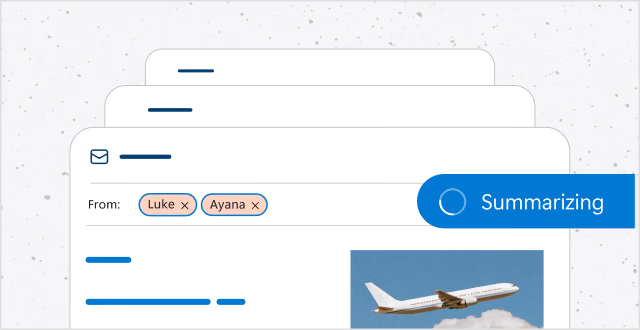
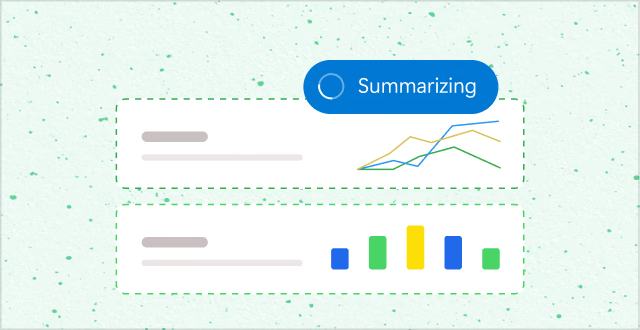
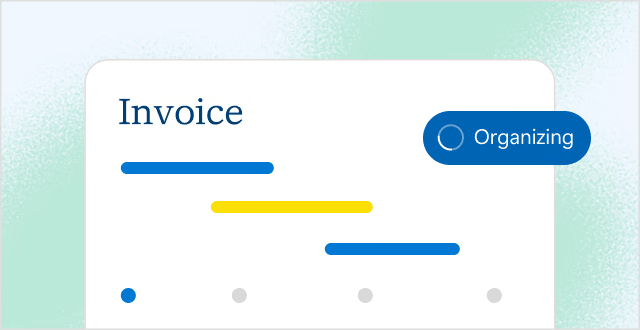
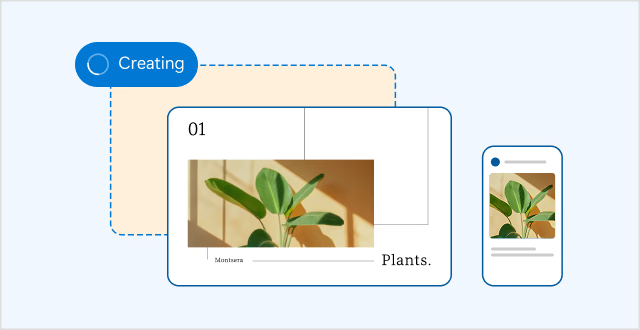
From summarising long documents to drafting emails, Copilot helps you complete common tasks quickly – right from your browser.

Work with confidence on sensitive content
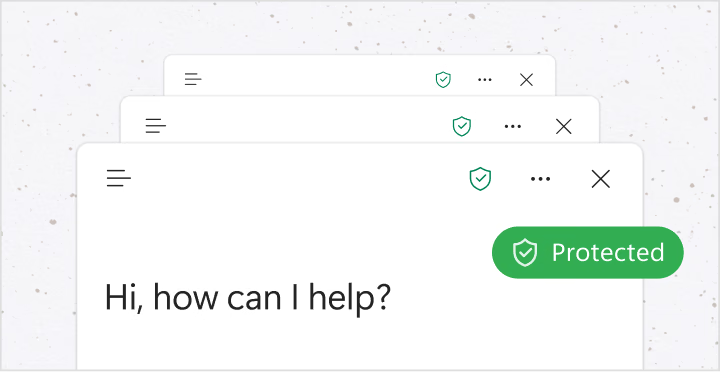
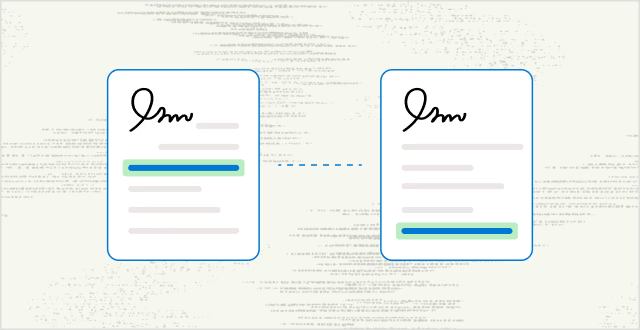
Protect your data with enterprise-grade security and privacy that keep you in control.

No extra apps, no extra setup
Copilot is built into Microsoft Edge. Help whenever you need it, just one click away.
Get started with Copilot
Two ways to get started. Choose what suits your flow.
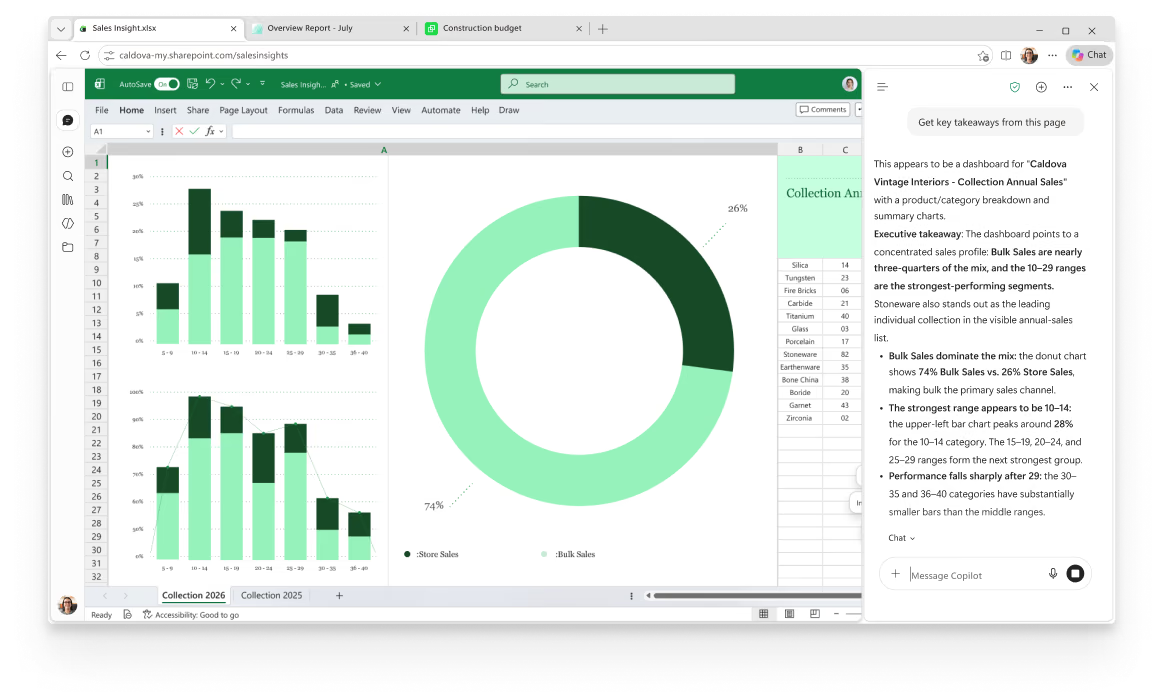
No more tab-hopping. Copilot is built into Edge — click icon in the top right of your window to summarise, compare, or get answers without leaving the page.
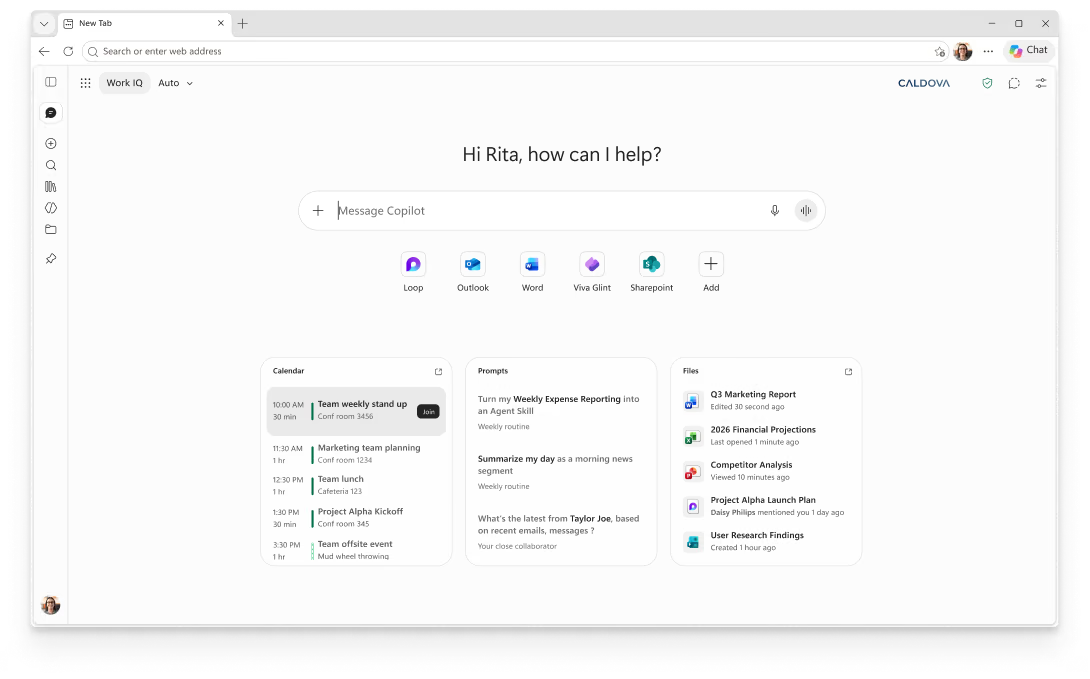
Open a Copilot new tab and type anything — a question, a search, or a website. Copilot routes you instantly to the right place, so you can start faster.
Get answers across your tabs
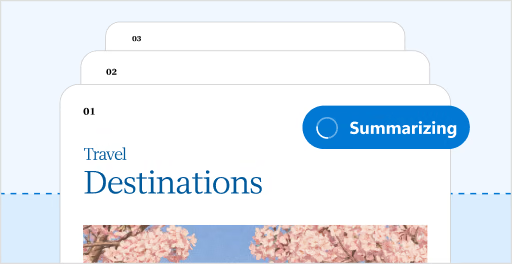
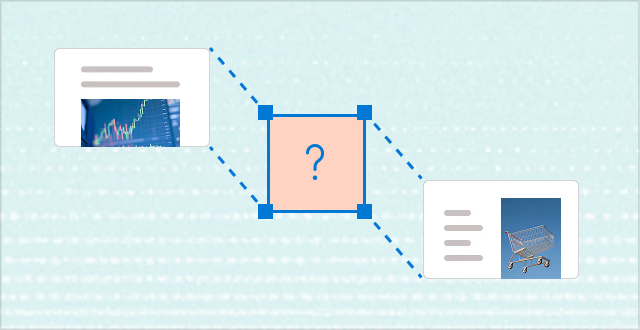
Quickly understand and act on information spread across multiple pages—without switching between tabs. Copilot can analyse content across many open tabs at once, combining insights to answer questions, compare information, and highlight key takeaways in one place.
Summarise YouTube videos
Transform any YouTube video into instant insights. With Copilot in Edge, receive a quick summary, key takeaways and answers to your questions so you can get exactly what you need in seconds.
No more retracing steps
Stop wasting time searching for that page you saw days ago. With Copilot in Edge, you can easily find what you need. Get the right page, fast, and keep work moving.
Copilot in Edge, wherever you go
Turn ideas into action, cut through tab clutter and move forward faster right in Edge on your phone.
Learn more about what's changing with Copilot
We’re updating Copilot to create a simpler, more cohesive experience for everyone. Depending on the account and device you use, you will see changes to the Copilot app including changes to appearance and functionality, such as navigation, feature availability, or sign-in experience. You will be able to sign in to the updated Copilot app with a personal account, a work or school account, or both. Work and personal accounts remain separate. Your organisation’s security, privacy, compliance, and administrative controls continue to apply when you use Copilot with your work or school account.
With a fresh new look, the new app brings together the best of Copilot chat and image creation, along with the power of Microsoft 365 for your work. Access Word, Excel, Outlook, and other Microsoft 365 apps, files, and content directly from the app, so you can move seamlessly from chat to your favourite Microsoft apps. Sign in using your work, school, or personal account and connect to email, calendar, and cloud storage to give Copilot the context it needs to keep you moving forward at work or at home.
Microsoft 365 subscribers can achieve more with Copilot, thanks to advanced AI, leading models, and higher usage limits than free users.
When you reach a limit, you can choose to upgrade to a paid option or return later. Copilot users in Edge or using the Copilot Windows app may benefit from a higher free usage allowance.
For higher limits to chat and create, use agents, or tackle complex multi-step tasks, purchase a Microsoft 365 subscription.
How does it affect me?
If you use Copilot on a desktop or web browser with a personal account (e.g. signed up using personal Microsoft, Google or Apple email), you will be moved to an updated version of Copilot. Your chat history and content will move with you. You will be guided through the process.
If you use the Copilot mobile app, you will need to download a new version of Copilot to continue using the app.
If you use the Microsoft 365 Copilot app today with a personal Microsoft account, you may notice some updates to appearance and navigation. If you were using the Microsoft 365 Copilot app without a Microsoft 365 subscription, you’ll now have access to Copilot chat, at no extra cost. You won’t have to make any changes to your account.
For Windows users, the Microsoft 365 Copilot app icon on your taskbar may be updated. For mobile users, there will be an update to the app that may be auto-installed, or you may need to manually request an update. The icon will update for mobile users as well.
Your chat history and content you’ve created will be merged into a single updated Copilot app.
You will see the Microsoft 365 Copilot icon update if you have Copilot installed for Windows or on a mobile device. Otherwise, there will be limited changes to your Copilot experience.
No. Most updates will happen automatically. Existing users will be guided through the transition, and web users will be automatically redirected to an updated version of Copilot.
What happens to my chats and data
Commercial data boundaries, tenant controls, and compliance protections are not changing. The boundaries that keep work and personal separate remain in place: Personal accounts (MSA) and work accounts (Entra) are distinct by design, so personal data can't reach your tenant, and your enterprise data can't cross the other way.
Yes. You can continue to switch between personal and work or school accounts using the account switcher within Copilot, just as you might be doing today. Work and personal experiences remain separated by design, and data does not flow between them.
Files shared and generated with the standalone Copilot app will be moved to OneDrive. You can access and manage your Copilot files in the OneDrive app on your desktop or mobile device, or by logging into your Microsoft account. Additional storage capacity is available with a Microsoft 365 subscription.
Copilot is designed with privacy, security, and Responsible AI principles at its core. Microsoft protects your personal data in accordance with the
Microsoft Privacy Statement and applicable privacy laws. For details about conversation retention, personalisation, data use, file uploads, privacy controls, and Responsible AI practices, see the full Privacy Support Article.
If you are using Copilot with a personal Microsoft account, Google, or Apple sign-in see Copilot for Home: Your Data & Privacy
If you are using Copilot with a work, school, or organisational (Entra) account see Data, Privacy, and Security for Microsoft Copilot and Data Protection when using Microsoft Copilot Chat for Work or School
What’s going away or unavailable
Most user data will be moved with you to the updated Copilot app: your chats, images and other content you’ve created with Copilot will be migrated. Group Chat threads, messages, and content, including images created in Group Chats, will not be carried forward. Podcasts will also not be carried forward. Before your account updates, copy any messages you want to keep into a document or notes app and download any images you want to save.
Some features may be temporarily unavailable, or you may experience functionality gaps while the latest version of Copilot is being rolled out. Learn more.
Sign in to access Copilot
Start with Copilot on every new tab