Search with AI

AI transforms traditional search with quick summaries and deeper conversations, so you can explore your way.

Start with a question and keep exploring
Follow this tutorial to learn how to search, summarize and get better results all in one place.

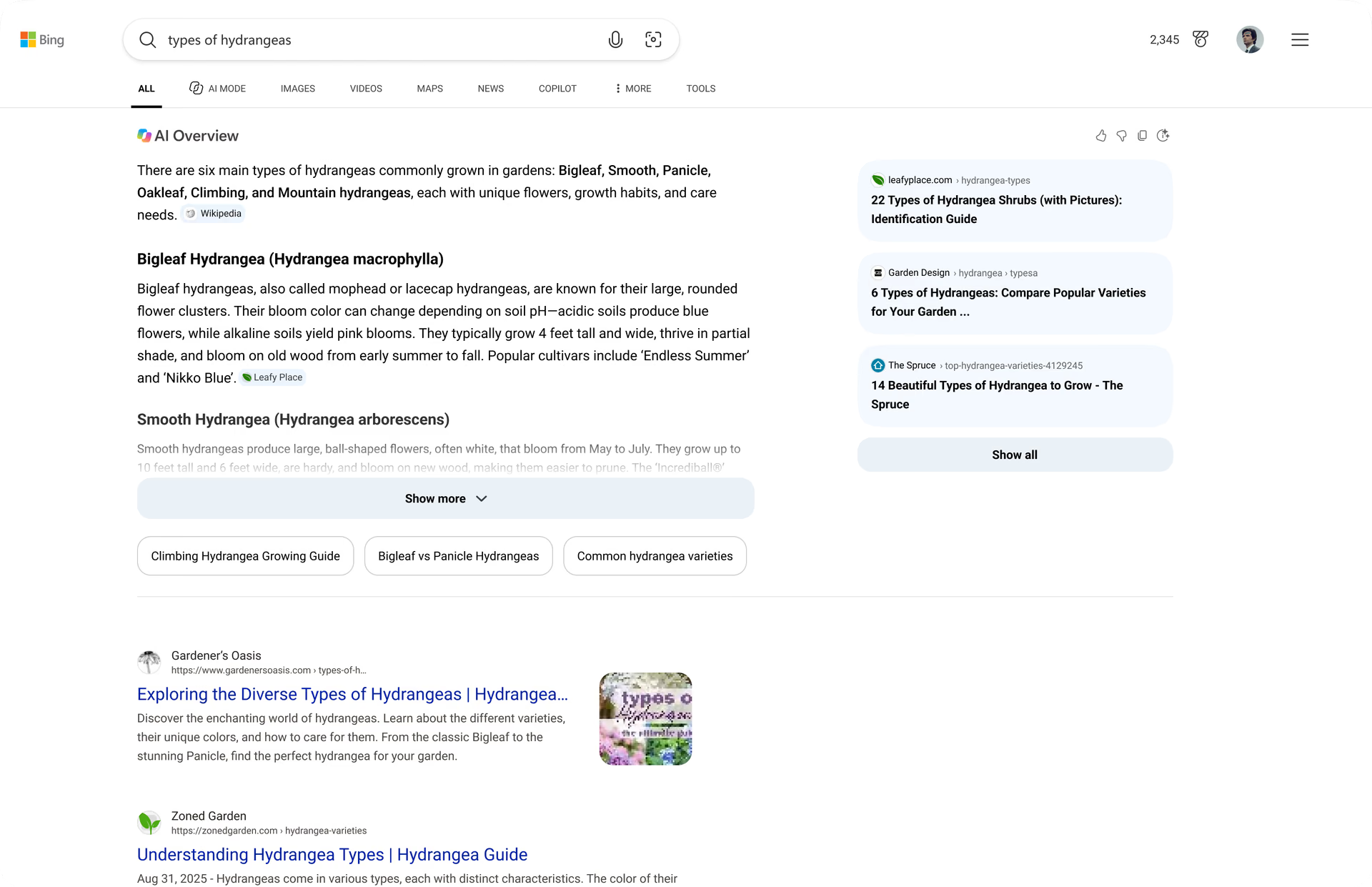
Get quick answers with AI Overview

AI Overviews provide clear, summarized answers at the top of your Bing search results page, with links to check sources and explore further.

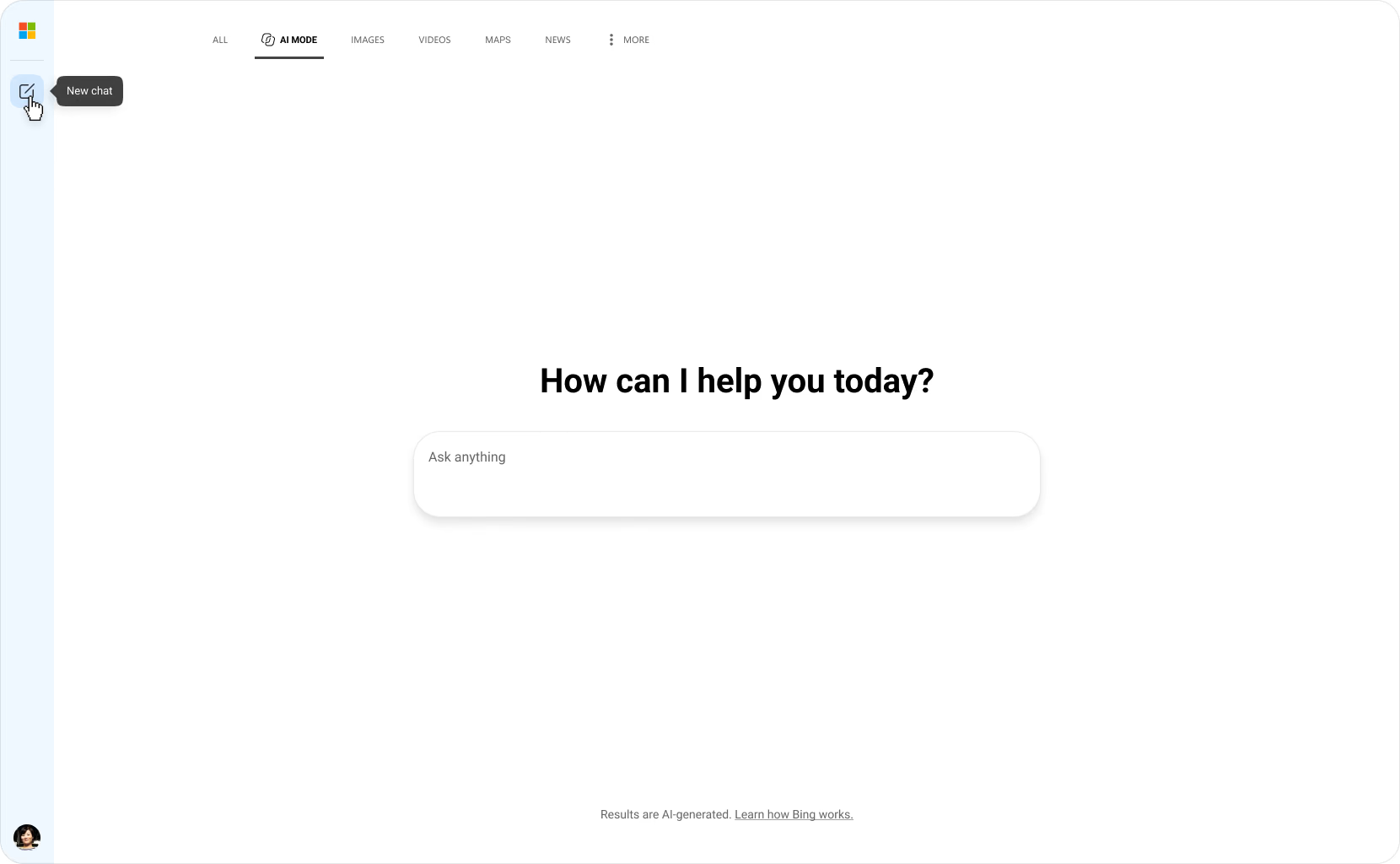
Open AI Mode to dive deeper

Click here when searching in Bing to open AI Mode with the query you've added to the search box already.

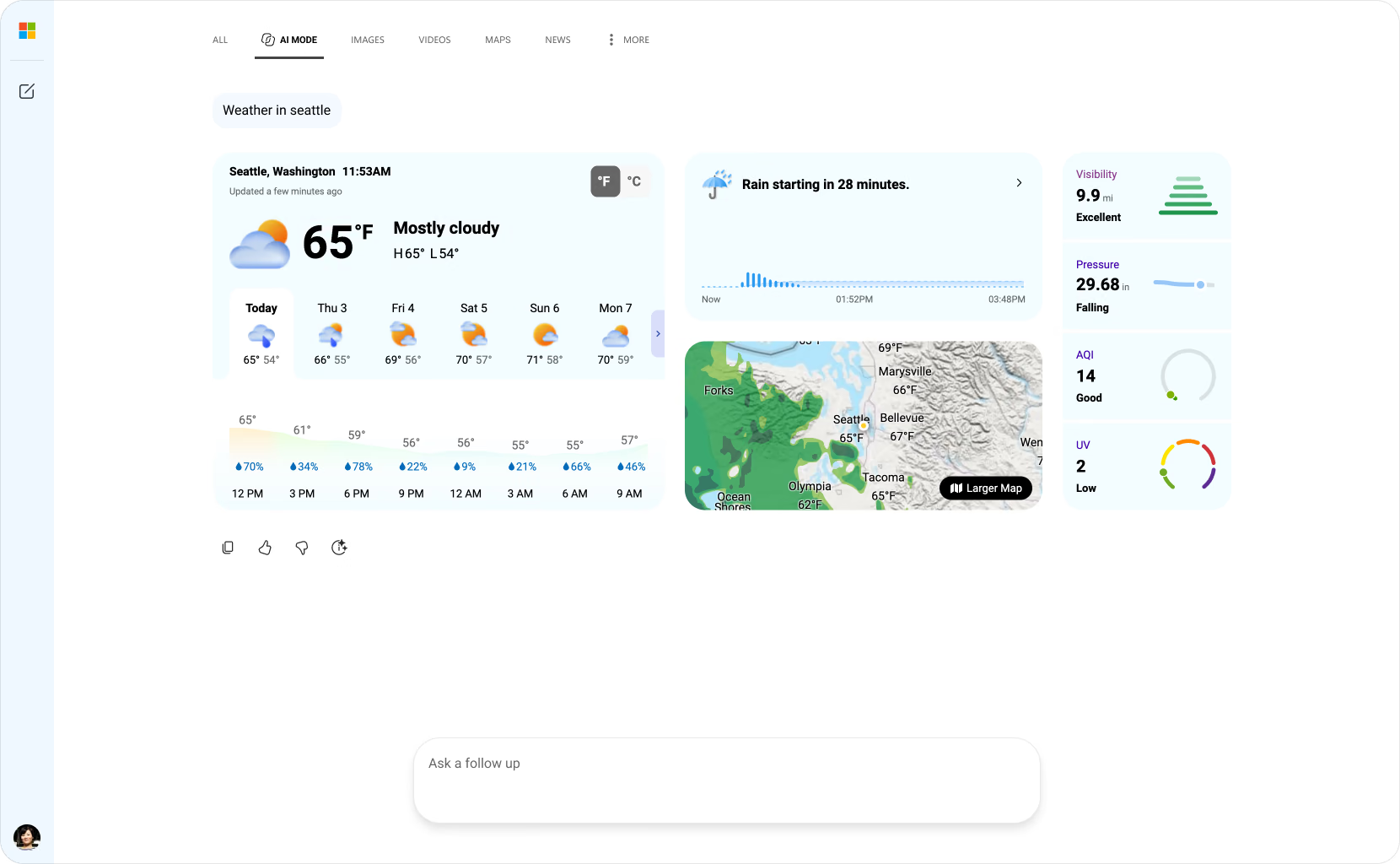
View results

View the full response from AI Mode.

View media results

View images or watch videos related to your search. You can also select to enlarge a video to full-screen before returning to AI Mode.

Ask follow-up questions

Type your very own follow-up questions or start a brand new search query.

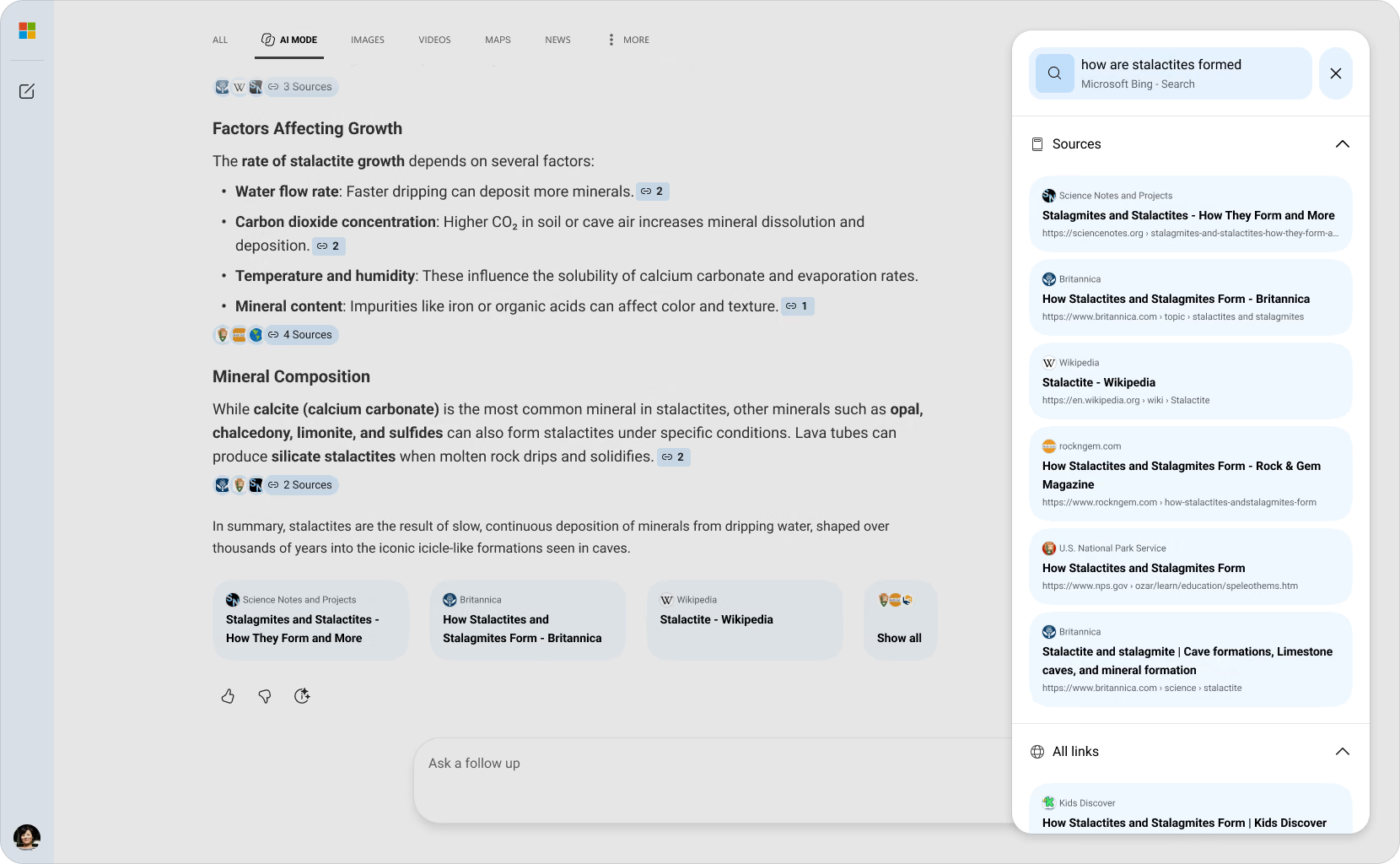
View references

View some of the references used to provide your answer.

Explore all references

Click 'Show all' to review a full list of references used to answer your search query.

Ask what's on your mind

Explore how AI Mode can help you discover new ideas, dive deeper into research, and learn faster. Try it now and see how it can transform your search experience.

Understanding the Difference:

AI Overviews and AI Mode

Explore how each experience is designed to help you find information, get things done, and go beyond traditional search.

AI Overviews AI Overviews

Get answers faster. AI Overviews brings a clear, sourced response to the top of your Bing results page, with links to check sources and explore further.

Best for:

  • Finding key information quickly, checking sources, and finding a starting point for deeper discovery.

Copilot Search icon AI Mode

Keep exploring. Select the AI Mode tab on your Bing results page to explore a topic in more depth. Ask follow-up questions and focus on what matters to you.

Best for:

  • Exploring complex questions, researching a topic, and building deeper understanding.

Explore more search features

Learn how AI Mode can bring you clear answers and kickstart your next discovery.

Get answers faster with AI Overviews

Get a quick overview at the top of your search results, with sources you can check.

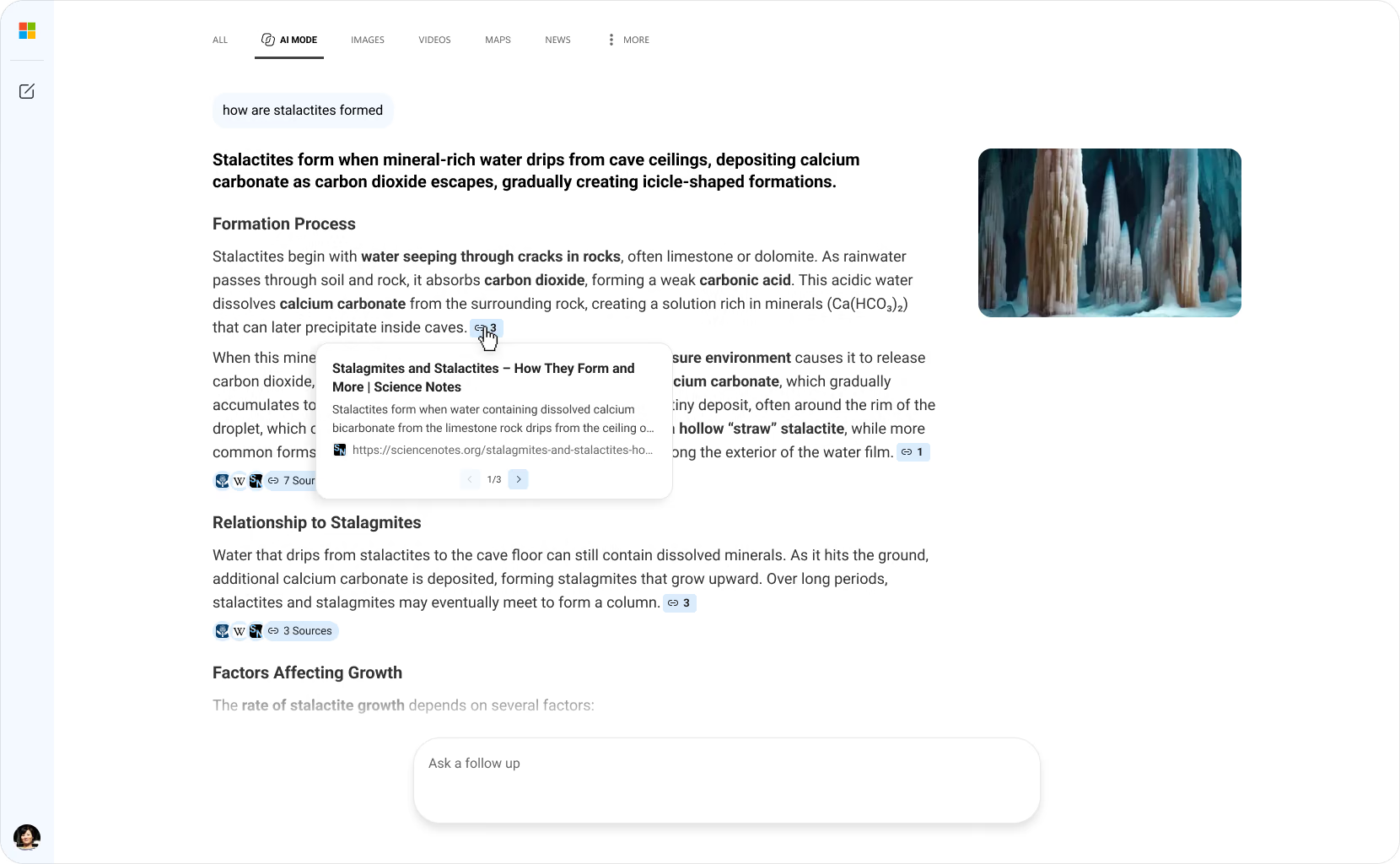
Citations at a glance

Quickly view source details from your answer, making it easier to verify answers and dive deeper into trusted sources.

Save time with curated information

AI Mode delivers easy-to-scan information and clear answers right at the top of your search results – eliminating the need to go hunting across the web.

Get helpful sources with each result

AI Mode displays a list of the references used to generate your answer, making it easier to see where information is coming from and helping you go straight to the source.

Kickstart discovery with inspiring prompts

Ask about a topic you're interested in and discover new information as you go.

FAQs

  • * Feature availability and functionality may vary by device type, market, and browser version.
  • * The content on this page may have been translated using AI.