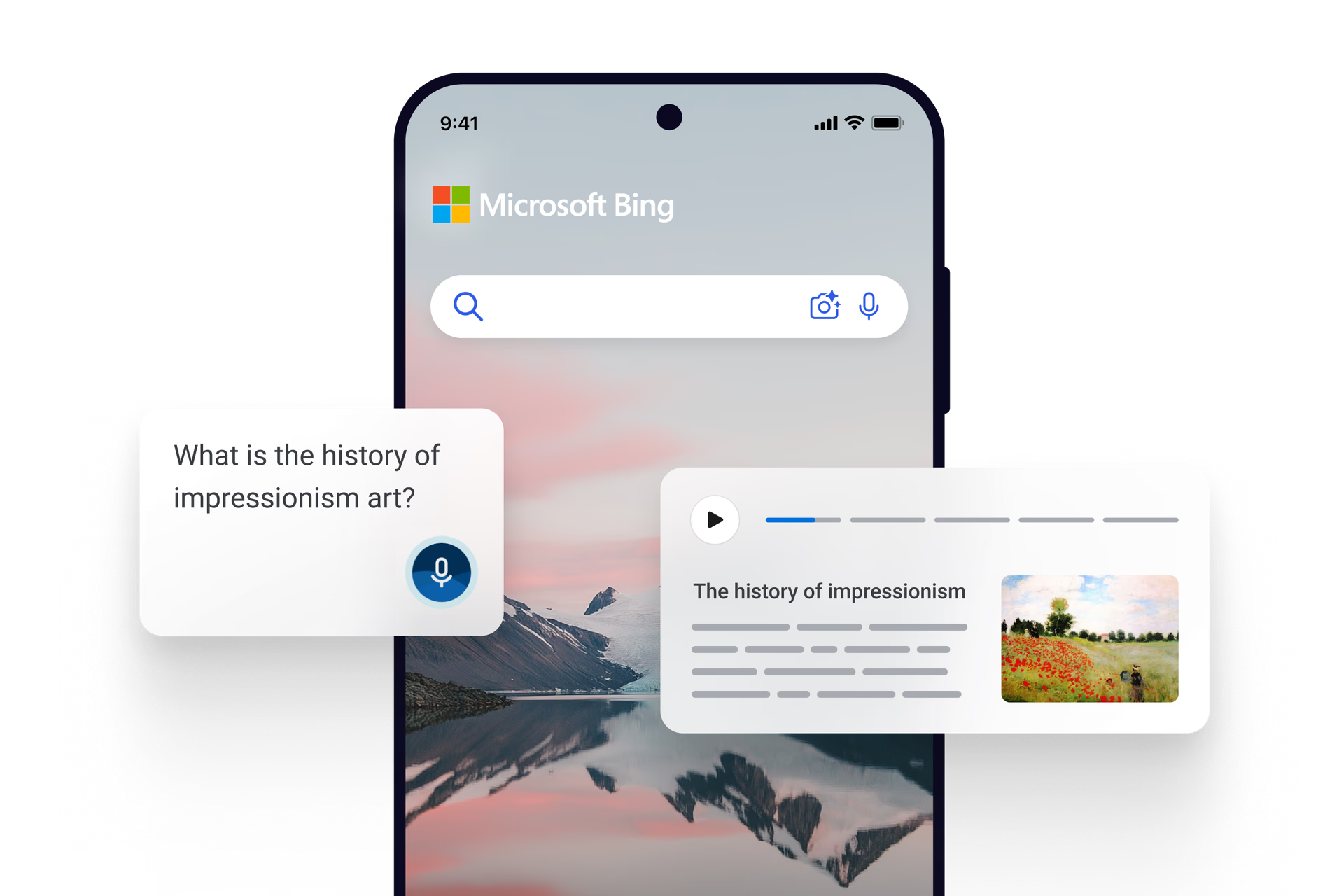
Thig an dà latha air an dòigh air an dèanar lorg le àitheantan ann an cainnt nàdarra le lorg gutha Bing. Nì an gleus seo diofar mòr air uidheaman mobile agus tapaidh, fada nas goireasaiche agus nas fhasa ri chleachdadh.
Thig an dà latha air an dòigh air an dèanar lorg le àitheantan ann an cainnt nàdarra le lorg gutha Bing. Nì an gleus seo diofar mòr air uidheaman mobile agus tapaidh, fada nas goireasaiche agus nas fhasa ri chleachdadh.
To activate Voice Search, simply tap the microphone icon in the Bing search bar on your device. Ensure your microphone is enabled and ready to capture your voice.
If your voice isn't being recognized, ensure you are speaking clearly and enunciating your words. Stand close to your device, and check for any background noise that may interfere with the microphone's ability to pick up your voice.
Yes, Bing Voice Search supports multiple languages. To change the language, go to your device's language settings and select your preferred language.
Yes, your privacy and security are important. Bing Voice Search is designed to protect your personal information and ensures that your voice data is handled securely.
* Dh’fhaoidte gum bi diofar ghleusan ri làimh agus gun dèan iad rudan beagan eadar-dhealaichte a-rèir an uidheim, na margaid agus tionndadh a’ bhrabhsair.