Your Windows update is complete.

See 5 of the latest features.

Your taskbar, your choice

Move the taskbar to any screen edge, or make it smaller when you want more room.

Game with big-screen energy

Grab your controller, go full screen, and jump into your games – and right back to your desktop when you want. Just open the XBOX app and click the “XBOX mode” button to get started.

Make Start work for you

Resize it, choose which sections show up, and decide whether your name and profile picture do too.  

Need time to focus?

Choose when updates fit your schedule. Pause updates until you’re ready and extend your pause if you need more time.

Check in without signing in

Customise your lock screen widgets to easily check things like weather, sports scores, stocks, and more, without even having to unlock your PC.
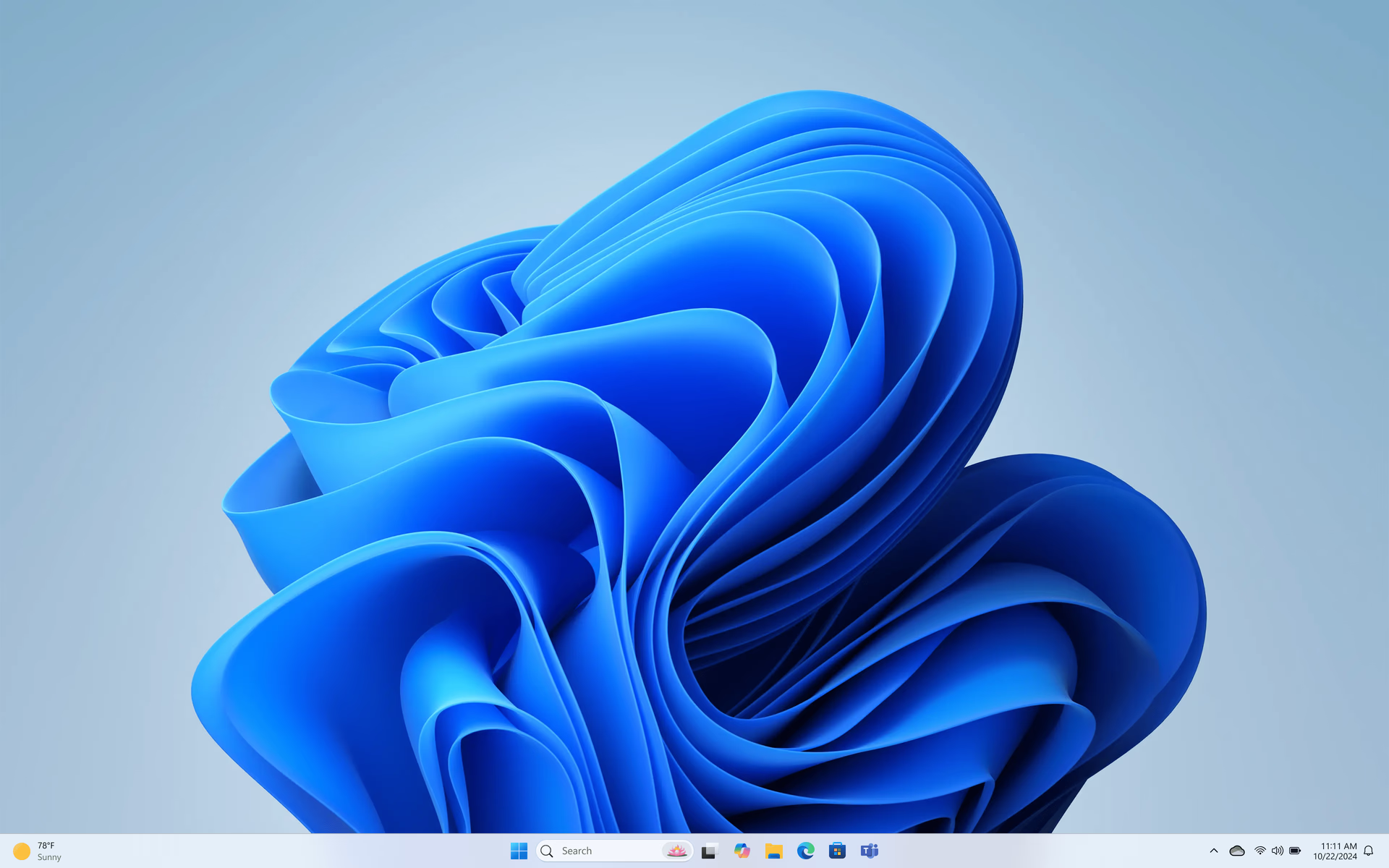
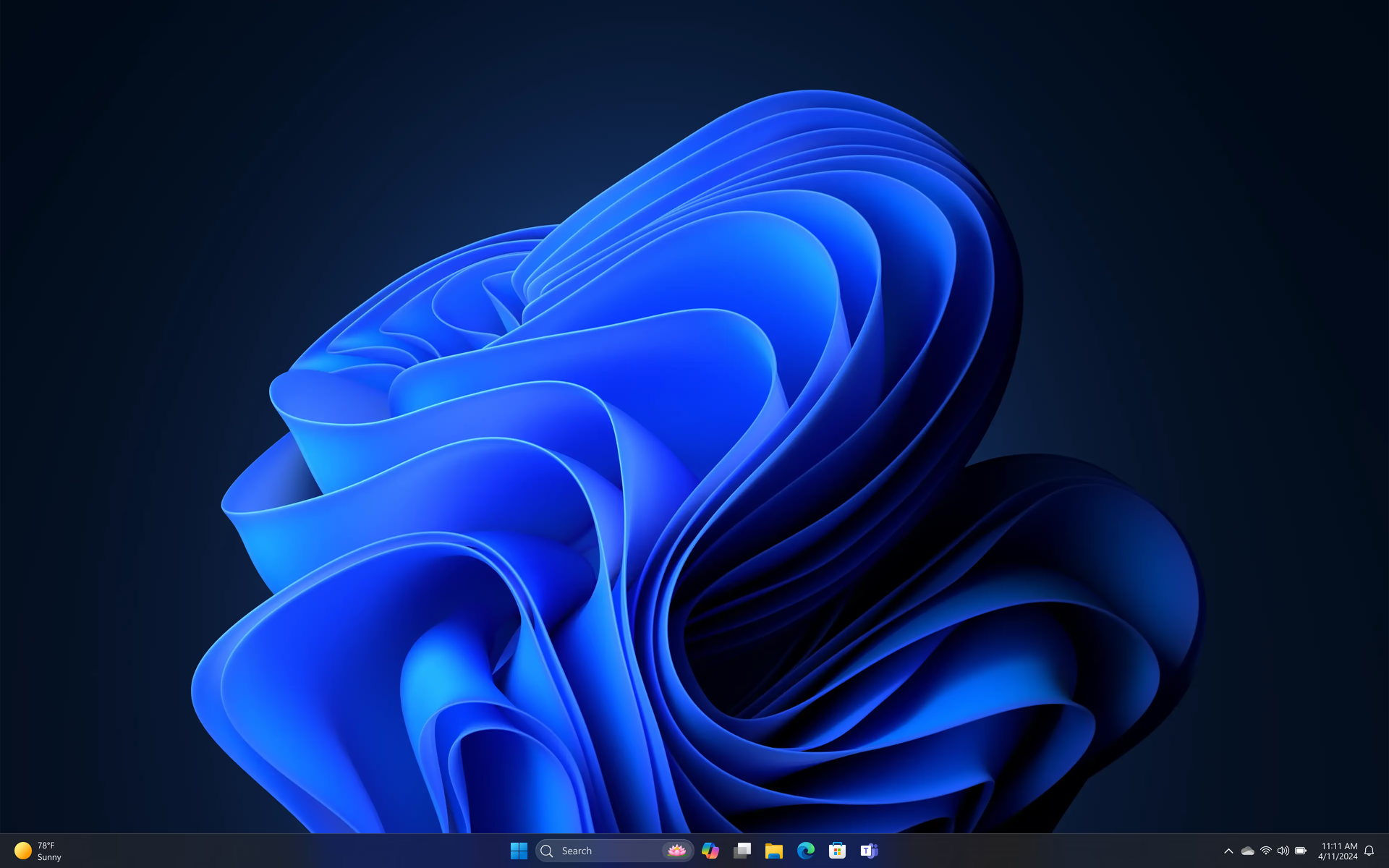
Your taskbar, your choice

Move the taskbar to any screen edge, or make it smaller when you want more room.

Game with big-screen energy

Grab your controller, go full screen, and jump into your games – and right back to your desktop when you want. Just open the XBOX app and click the “XBOX mode” button to get started.

Make Start work for you

Resize it, choose which sections show up, and decide whether your name and profile picture do too.  

Need time to focus?

Choose when updates fit your schedule. Pause updates until you’re ready and extend your pause if you need more time.

Check in without signing in

Customise your lock screen widgets to easily check things like weather, sports scores, stocks, and more, without even having to unlock your PC.
Get the most out of Windows

1

Discover Windows tips

Learn more about popular Windows 11 features that make everyday life easier

2

Customise your settings

Change your desktop background, accent colours, and more

3

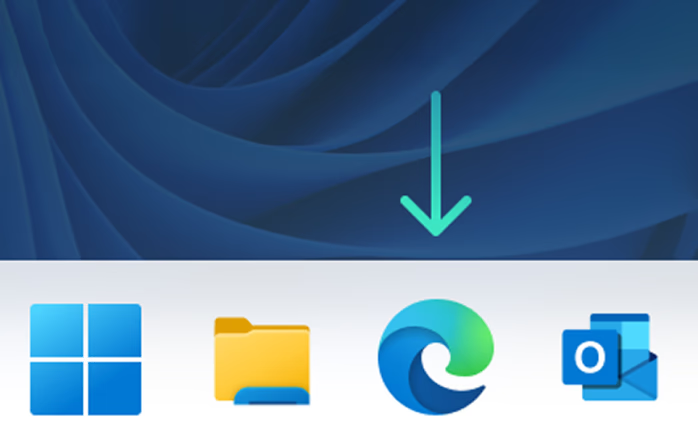
Pin sites to taskbar

Pin popular websites directly to your taskbar for quick access