Plan your next trip with Copilot

Let’s celebrate what made 2024 memorable
Edge helped block over 1.4 billion phishing, malware and scam attacks with built-in security features
Edge helped protect over 7.3 billion passwords each month with Password Monitor
Edge users saved over 7 trillion megabytes by using Sleeping Tabs
Users in Edge shared 46 million messages and files across devices with Drop
Explore how Edge can help you reach your 2025 resolutions:
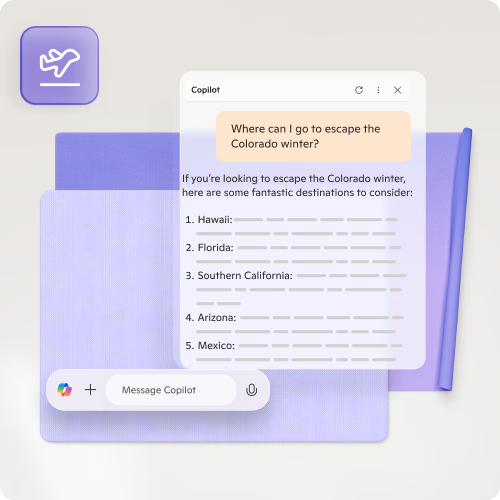
Plan your next trip with Copilot
Copilot can help you pick a location, plan your itinerary and give you the confidence you need to make your next move.
Collaboratively plan your trip with Workspaces
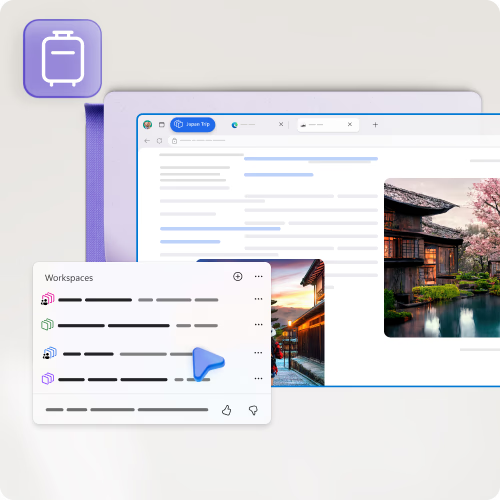
Save and organise your travel ideas, plans and itineraries in one place, making it easy to access, manage and share all your travel information. To get started, click the Workspaces menu in the top left-hand corner.
Save time filling tedious forms
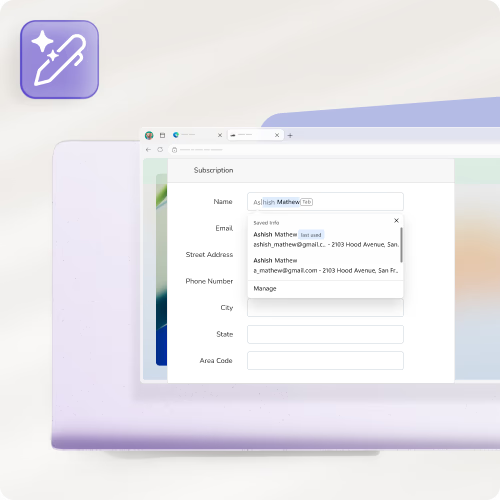
Automatically fill in travel forms with saved information, reducing the time and effort required to complete bookings and reservations. You can also save your loyalty programme membership information to get points when you book.
Organise your tabs with AI
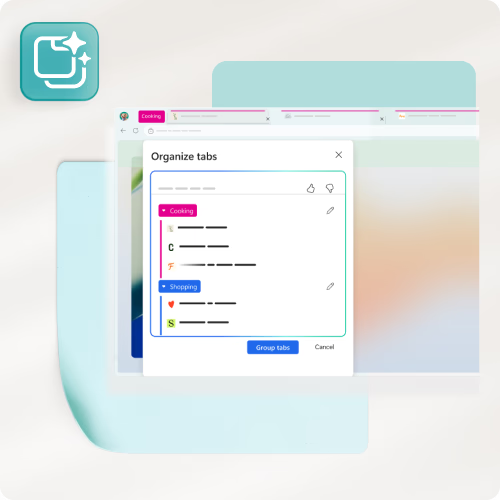
Start off the year with an organised browser. With tab groups, you can customise your tabs with names and colours to find your content fast.
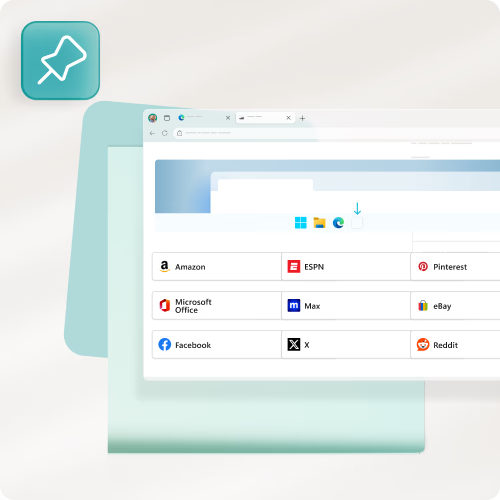
Quickly access your preferred sites without needing to open the browser. Select sites here to pin them now.
Manage how you view tabs with vertical tabs
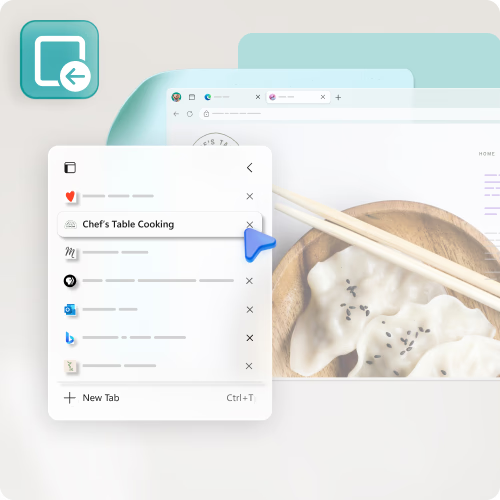
Find more of your screen and manage tabs from the side of your screen. To turn on vertical tabs, go to the Tab actions menu.
Get started learning a new skill
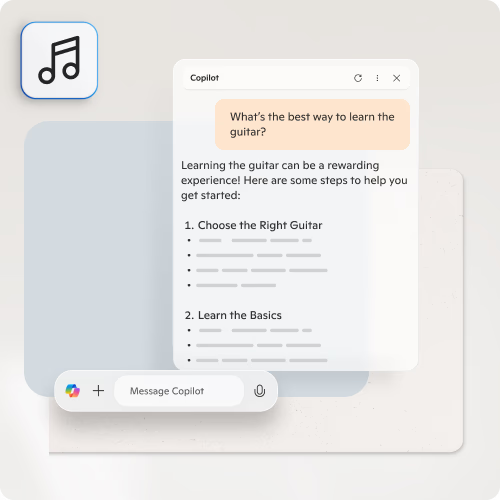
Ask Copilot to develop a plan on how to develop your next hobby or skill.
Listen to what you browse
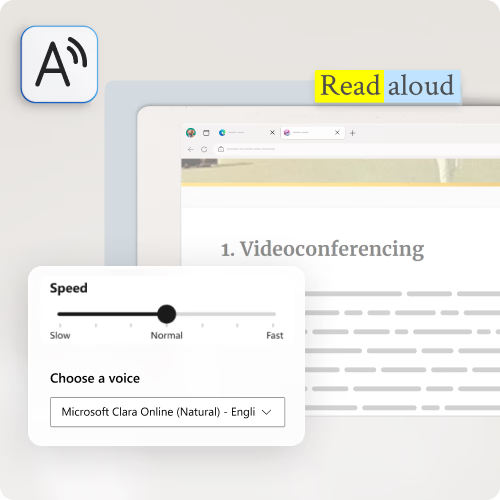
Microsoft Edge can read any webpage for you. With your page open, right-click or press and hold anywhere on the page. Select Read Aloud.
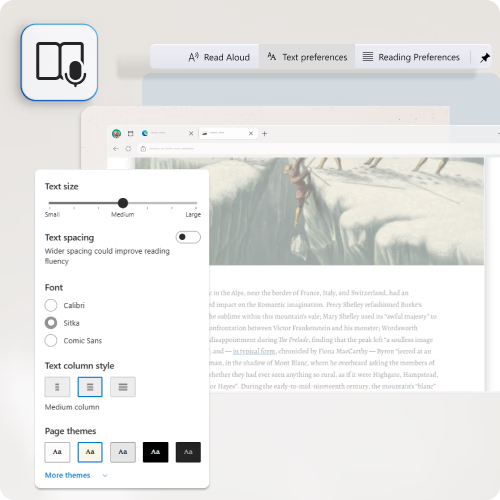
Immersive Reader helps you remove distractions and modifies your page to your reading preferences. To try this, click the button on the address bar. You can also use it on Edge mobile.
Find that perfect recipe
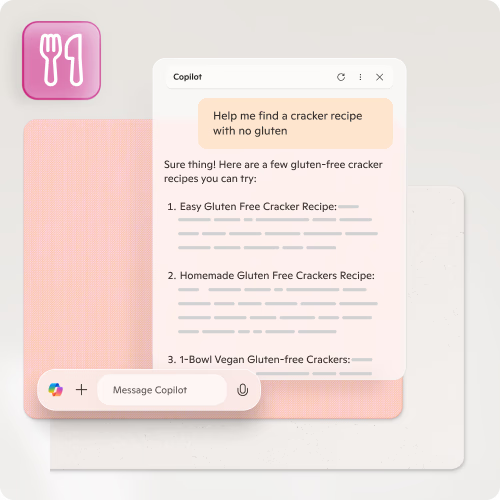
Copilot helps you plan meals with specific dietary restrictions, cooking skills and other meal preferences. You can also chat with Copilot by clicking on the Copilot icon in the top right-hand corner in Edge.
Create your ideal routine
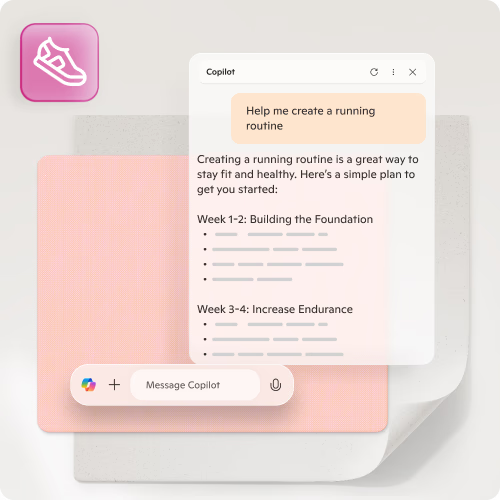
Copilot helps you create a personalised routine to support healthier habits. Even if you don't know where to start, Copilot can help with the first steps.
Build healthy online habits
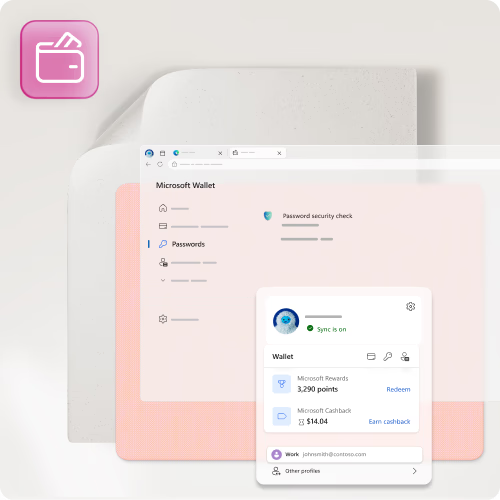
One of the hardest habits to break is our reliance on passwords. Start the year off strong by securing your digital identity with Wallet. Wallet lets you set up a secure digital identity to keep your passwords and accounts safe.
Save money with vouchers
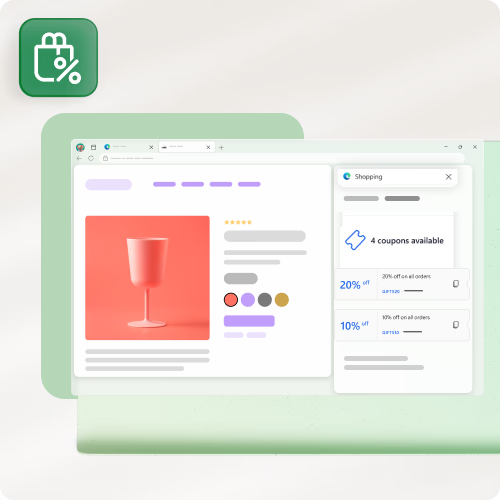
Save money everywhere you shop with Microsoft Edge. As you add items to your cart, Edge actively scans the internet for available vouchers and discount codes to apply when you check out.
Find the best prices online
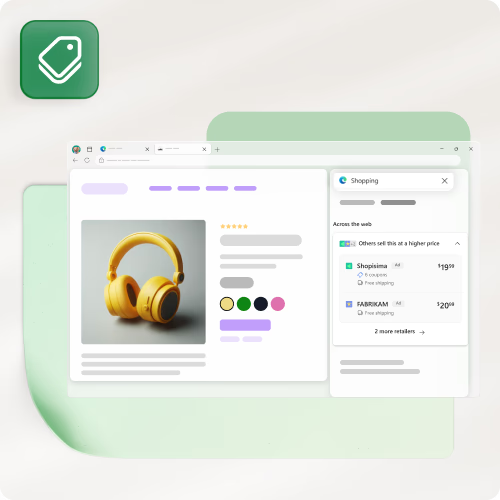
Shop smart and save more. Product comparison searches the web to find the best prices online and lets you know if what you're looking at is available at a lower price anywhere else.
Earn rewards with Edge
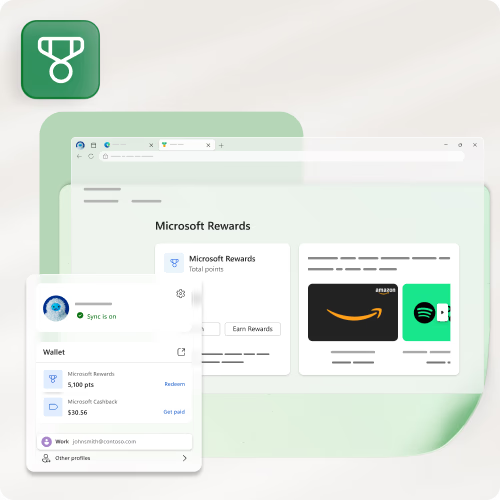
Earn points for gift cards from favourite brands, enter sweepstakes entries and more when you become a Microsoft Rewards member.