Update complete
Plan a trip with Copilot
Planning a trip? Copilot helps you brainstorm ideas across tabs, organise details, and turn your plans into a polished itinerary—quickly and effortlessly.
Plan a trip with Copilot
Planning a trip? Sign in and Copilot can help you brainstorm ideas across tabs, organise details, and turn your plans into a polished itinerary—quickly and effortlessly.
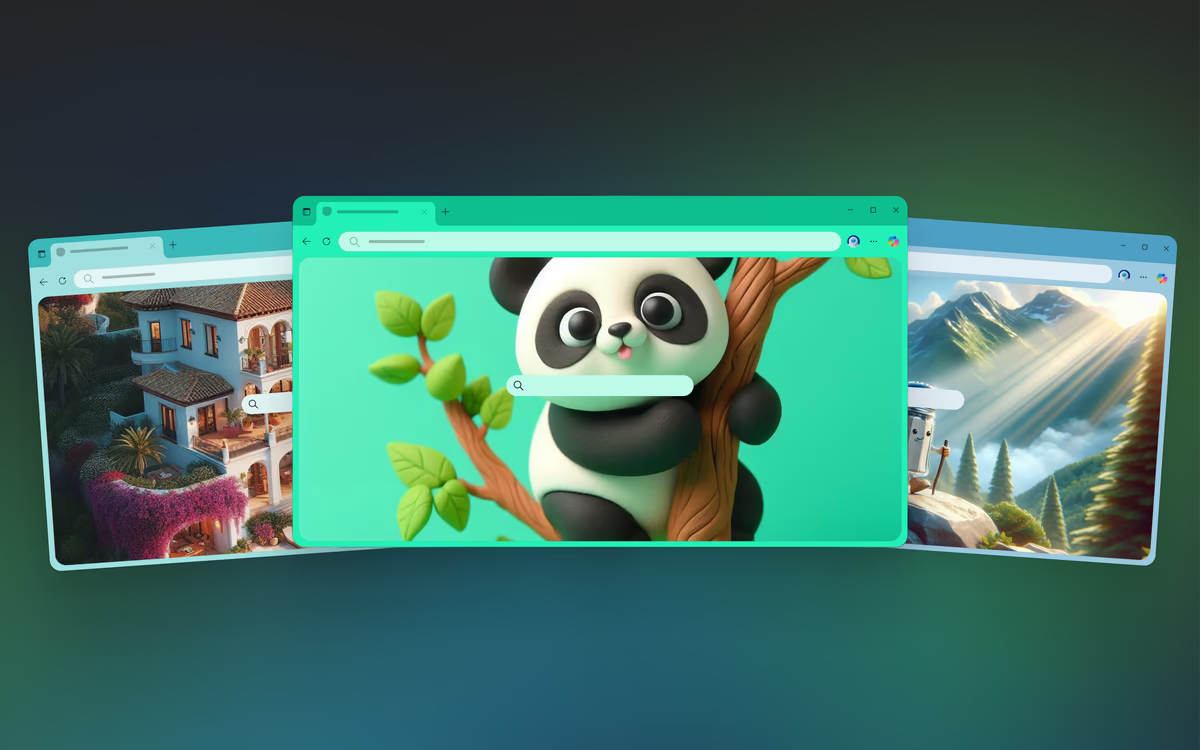
Create your own browser theme
With the AI Theme Generator in Microsoft Edge, you can personalise your browser with unique custom themes based on your words. Explore dozens of pre-generated themes for inspiration or create your own.
Spend less time planning, more time enjoying
From inspiration to itinerary, Edge helps keep your summer plans moving. Pick up your tabs across devices, compare options on the go, and let Copilot help you make sense of it all—right from your phone.
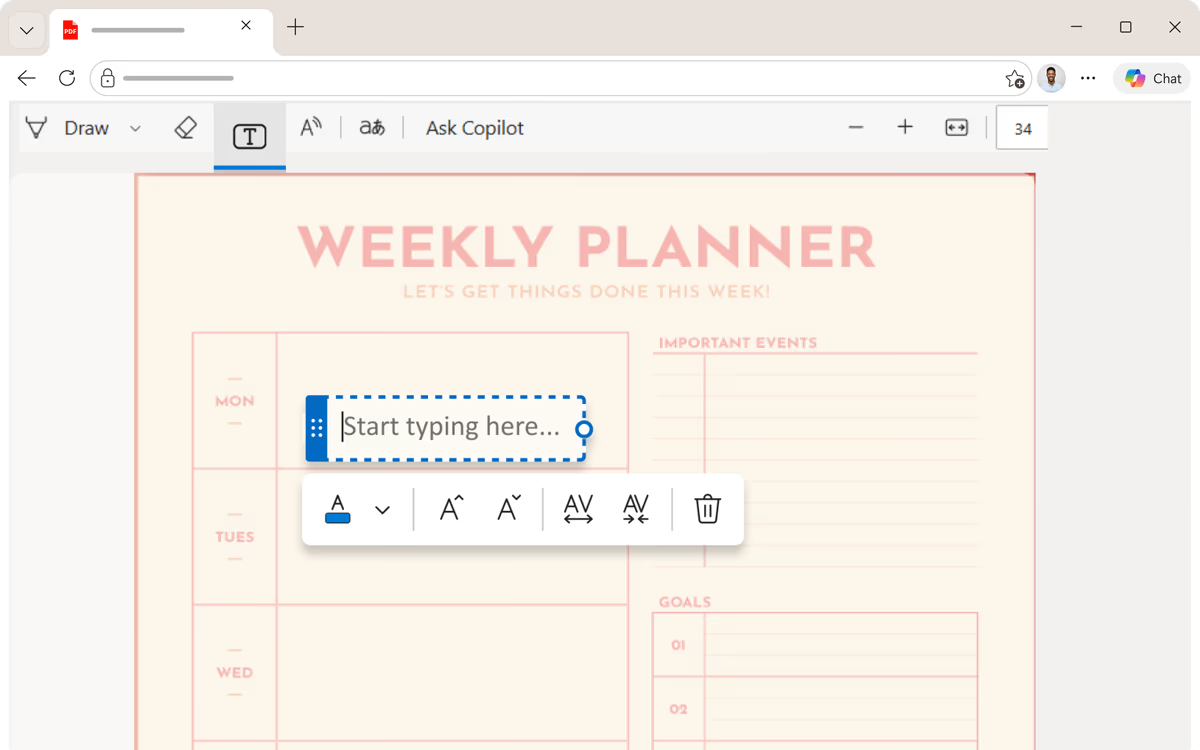
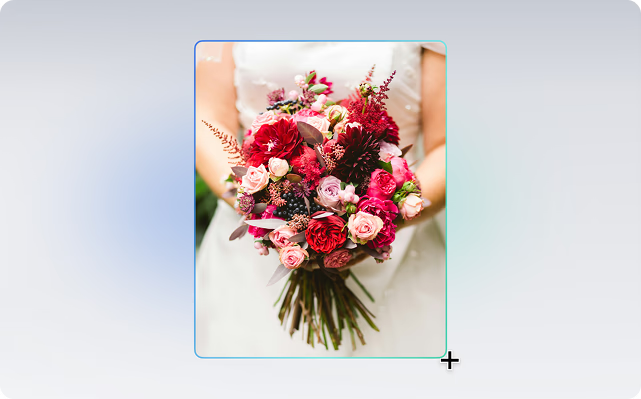
Easily edit PDFs
View two sites at once with Split screen
Multitask efficiently across side-by-side screens on a single browsing tab in Microsoft Edge, making it easier to compare documents, copy and paste information, or juggle different tasks. Select the three-dot menu ellipses icon then split screen icon Split screen from the drop-down menu.
Organise projects with Workspaces
Group tabs, sites, and resources you need into dedicated workspaces so you can switch between projects without losing context.
Faster, secure sign-in with passkeys
Quickly sign in while staying secure. Use passkeys to access supported websites and services with a simpler, more secure sign-in experience.
Get work done across devices
Sync tabs, access work resources, review documents and PDFs you need across devices, so you can pick up where you left off.
Personalise your toolbar
Save time finding your favourite tools by customising your toolbar to show the tools and features you use the most.
Explore the latest features in Edge
Microsoft Edge introduces exciting new features every month. Click on a tile to explore some of the latest features and built-in tools that help you customize your browser, be more productive, and stay organized.
Plan a trip with Copilot
Planning a trip? Copilot helps you brainstorm ideas across tabs, organise details, and turn your plans into a polished itinerary—quickly and effortlessly.
Plan a trip with Copilot
Planning a trip? Sign in and Copilot can help you brainstorm ideas across tabs, organise details, and turn your plans into a polished itinerary—quickly and effortlessly.
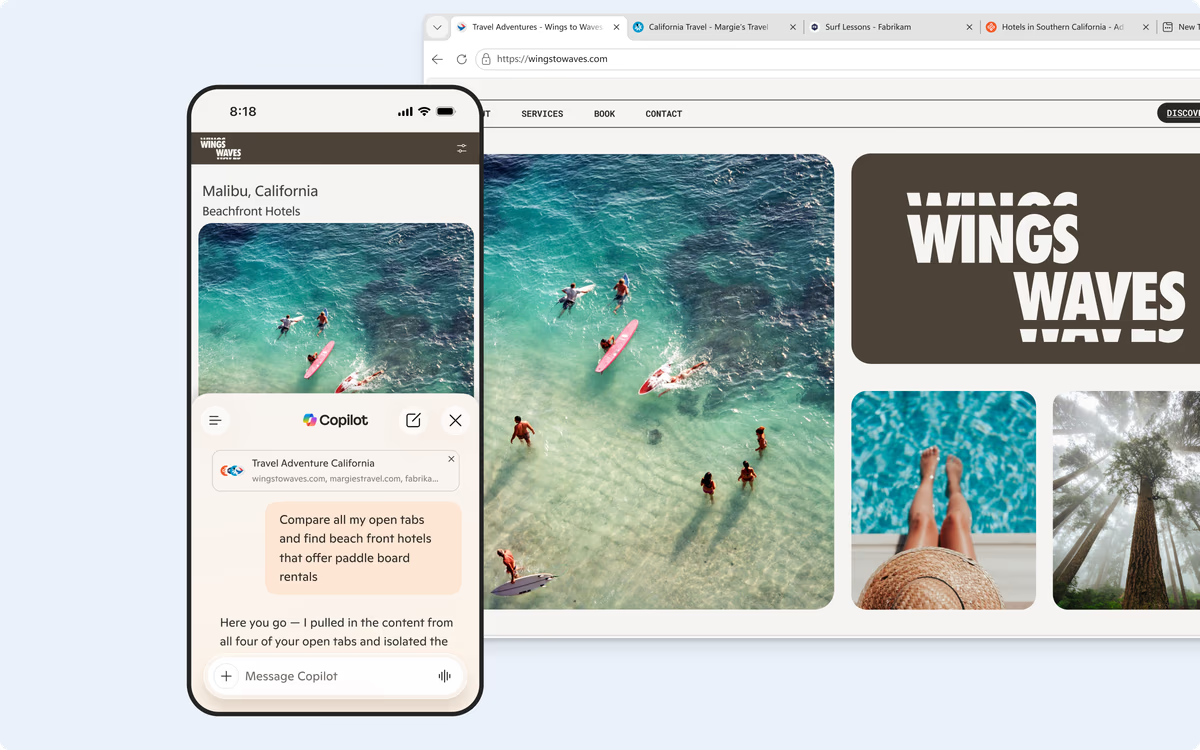
Spend less time planning, more time enjoying
From inspiration to itinerary, Edge helps keep your summer plans moving. Pick up your tabs across devices, compare options on the go, and let Copilot help you make sense of it all—right from your phone.
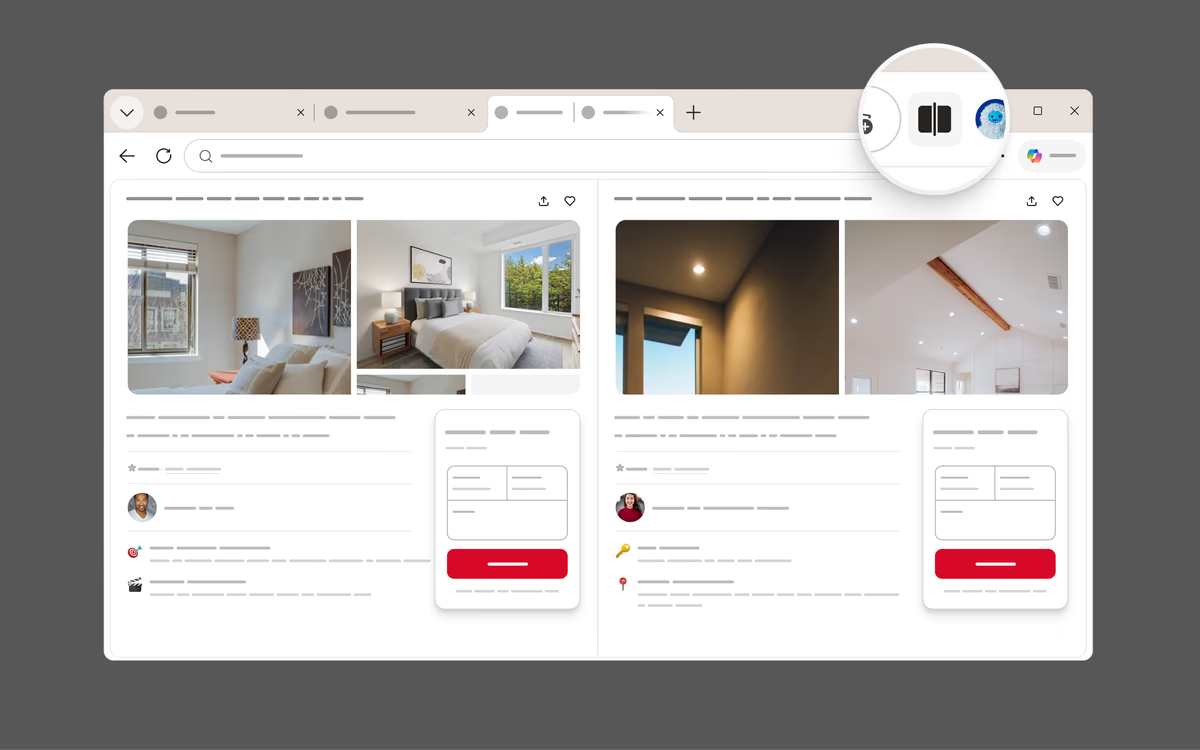
View two sites at once with Split screen
Multitask efficiently across side-by-side screens on a single browsing tab in Microsoft Edge, making it easier to compare documents, copy and paste information, or juggle different tasks. Select the three-dot menu ellipses icon then split screen icon Split screen from the drop-down menu.
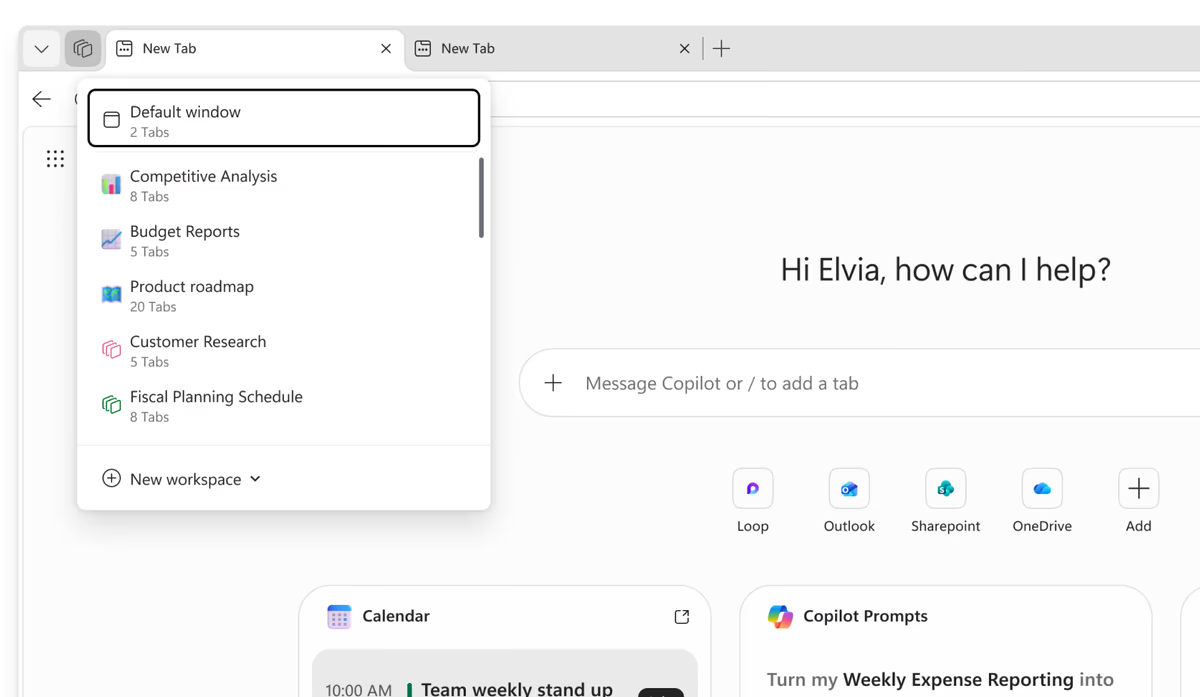
Organise projects with Workspaces
Group tabs, sites, and resources you need into dedicated workspaces so you can switch between projects without losing context.
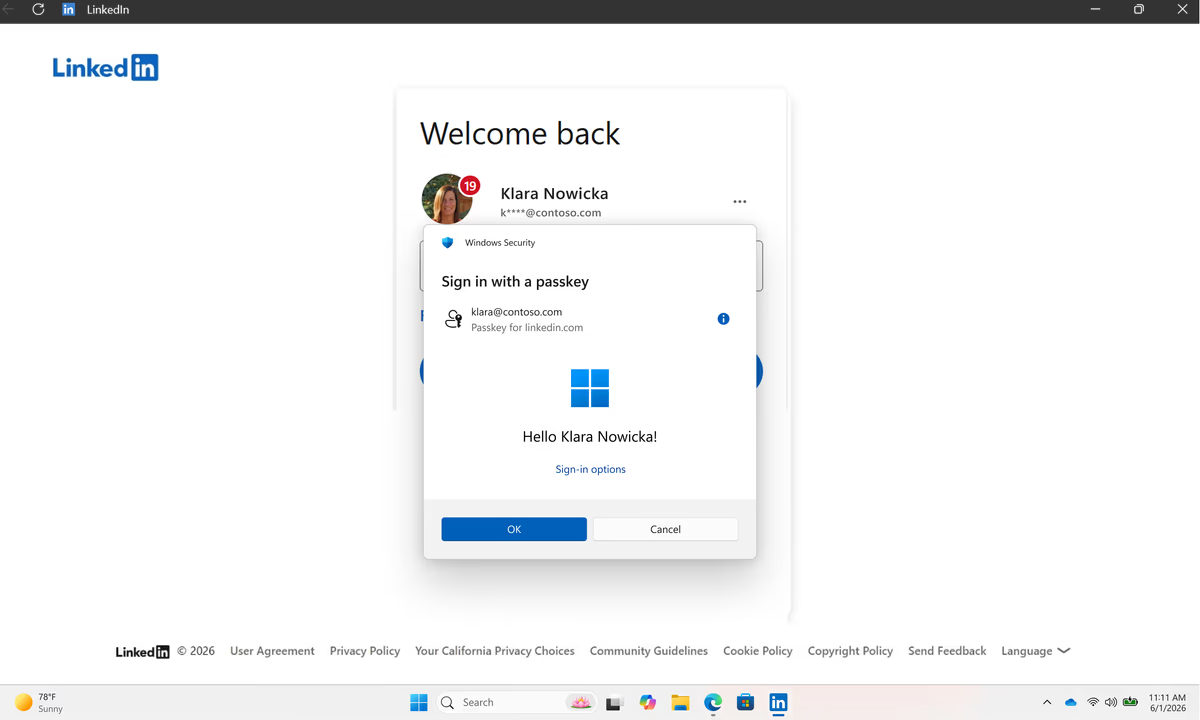
Faster, secure sign-in with passkeys
Quickly sign in while staying secure. Use passkeys to access supported websites and services with a simpler, more secure sign-in experience.
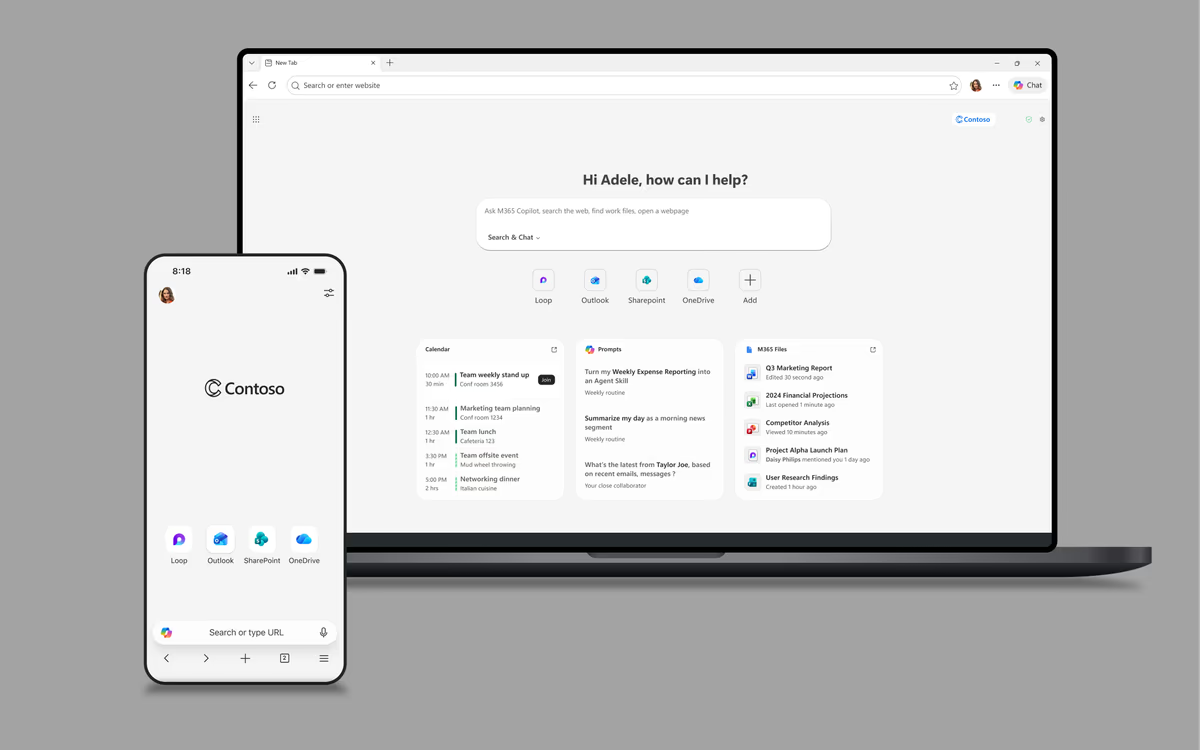
Get work done across devices
Sync tabs, access work resources, review documents and PDFs you need across devices, so you can pick up where you left off.
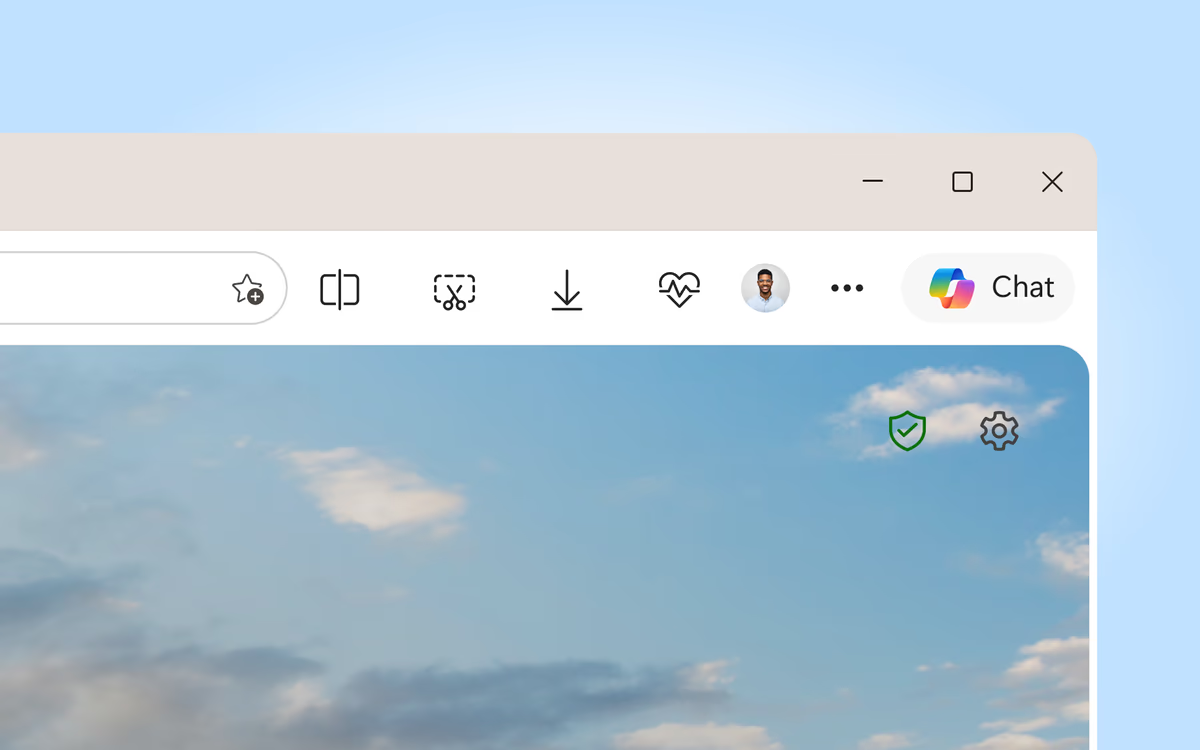
Personalise your toolbar
Save time finding your favourite tools by customising your toolbar to show the tools and features you use the most.
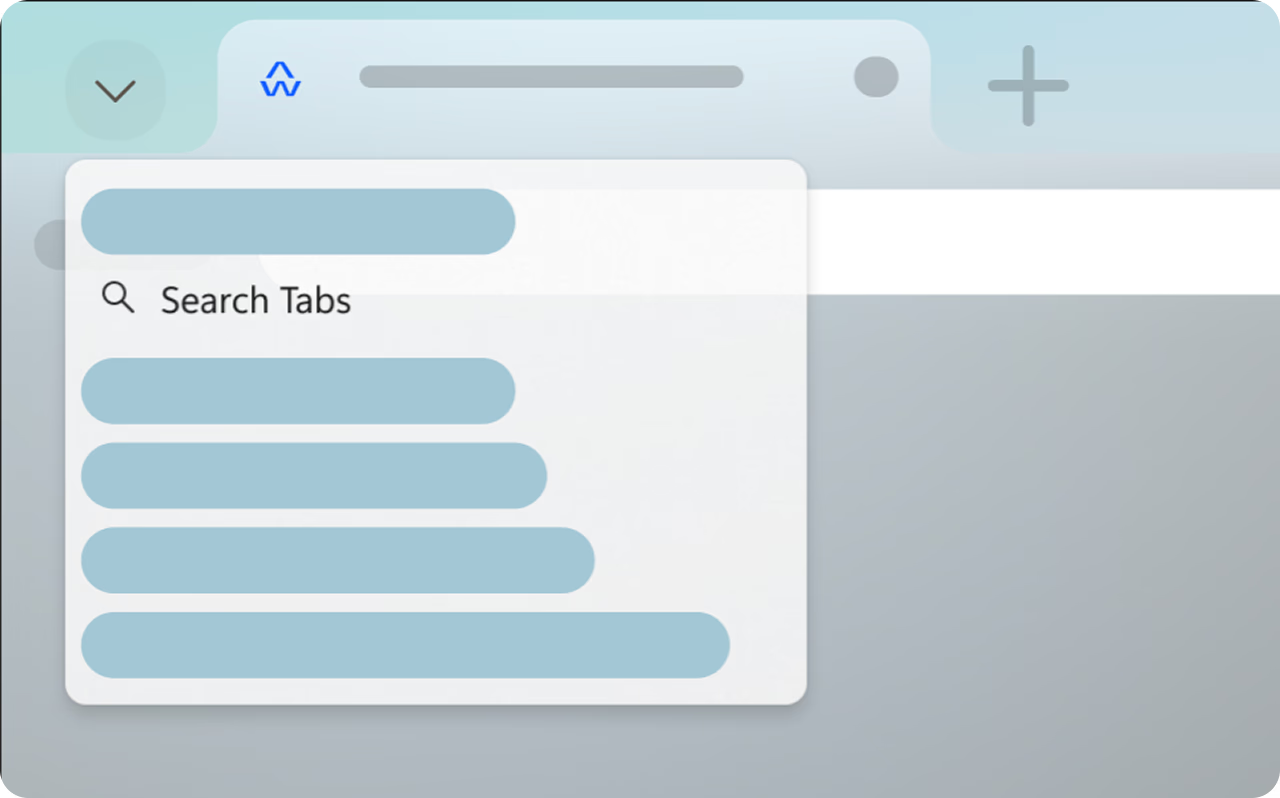

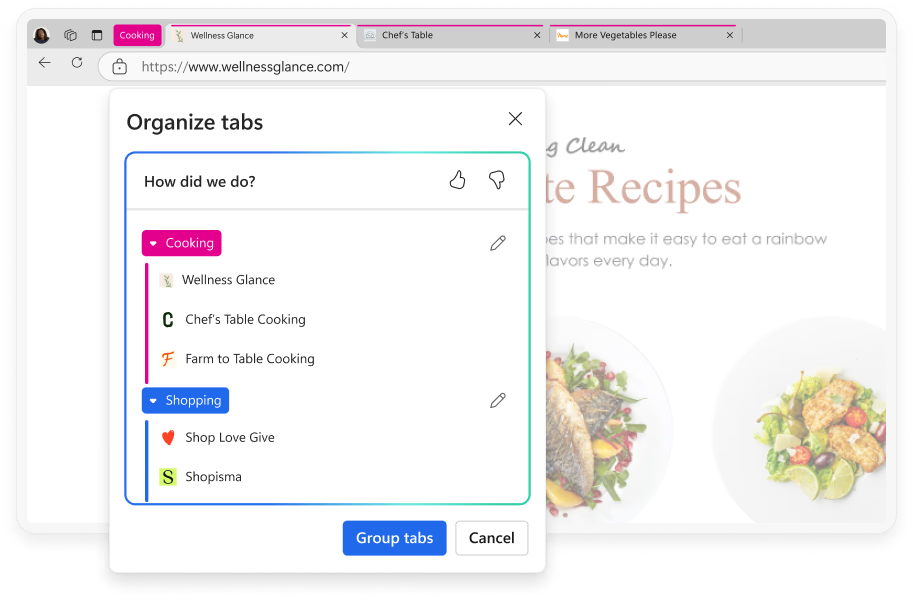
Explore the latest features in Edge
Microsoft Edge introduces exciting new features every month. Click on a tile to explore some of the latest features and built-in tools that help you customize your browser, be more productive, and stay organized.
Enjoy these latest features and much more with Microsoft Edge.