Explore Microsoft Edge features

Discover new features and helpful tips to get more out of Edge.

Latest features

Productivity

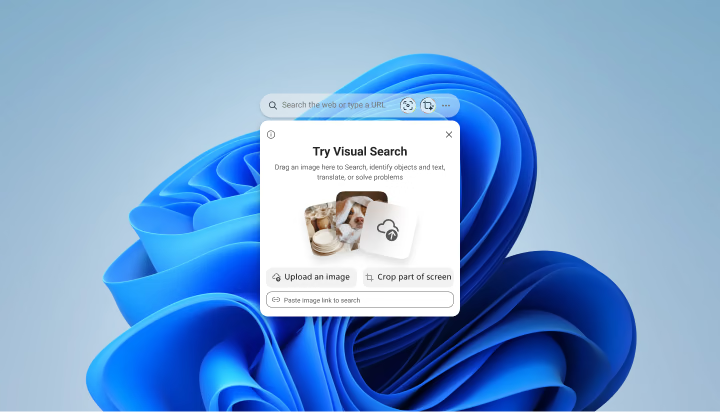
Edge Search Bar

Search images from your desktop

Accessibility

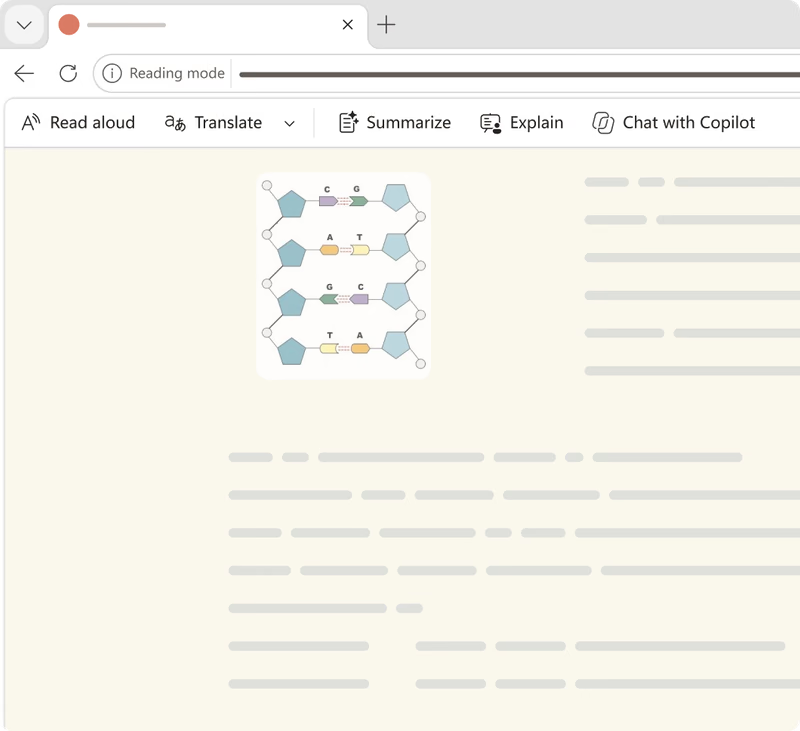
Reading mode

Read without distractions

Productivity

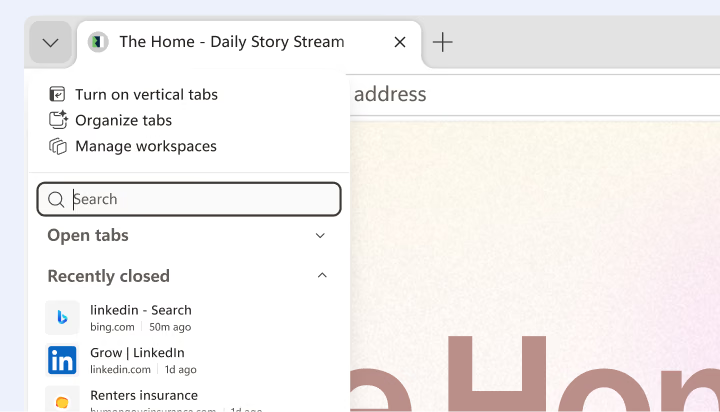
Tab search

Save time with tab search

Explore all features

Most viewed features

AI

Copilot new tab page

Start with a more helpful new tab. Search, ask questions, or go directly to a site so you can find what you need faster.

AI

AI Theme Generator

Make Edge feel more like you. Describe an idea, and AI Theme Generator creates a unique browser theme inspired by it.

Productivity

Split screen

Work across two pages without switching tabs. Split screen displays them side by side in a single tab for easier comparison.

Productivity

PDF Reader

Do more with PDFs without leaving Edge. Read, annotate, and summarize documents so you can review them and act quickly.

Security

Scareware blocker

Avoid scams designed to scare you. Scareware blocker helps protect against deceptive warnings, harmful downloads, and fake support calls.

Security

Passkeys

Sign in without a traditional password. Passkeys simplify sign-in and help protect against phishing on supported websites and apps.

  • * Feature availability and functionality may vary by device type, market, and browser version.